HYDROCAL 1001+ Installation and operation manual Page 47/76
4.3.2. Special Operation
During special operations the LEDs are used to reflect the status or progress of the corresponding
task. Following special operations are available on the unit:
Unit Power-On - Boot (4.3.2.1)
Update of Firmware - Downloader (4.3.2.2)
Update of Firmware - via TFTP (4.3.2.3)
Functional Test (4.3.2.4)
Test Mode (4.3.2.5)
4.3.2.1. Unit Power-On - Boot
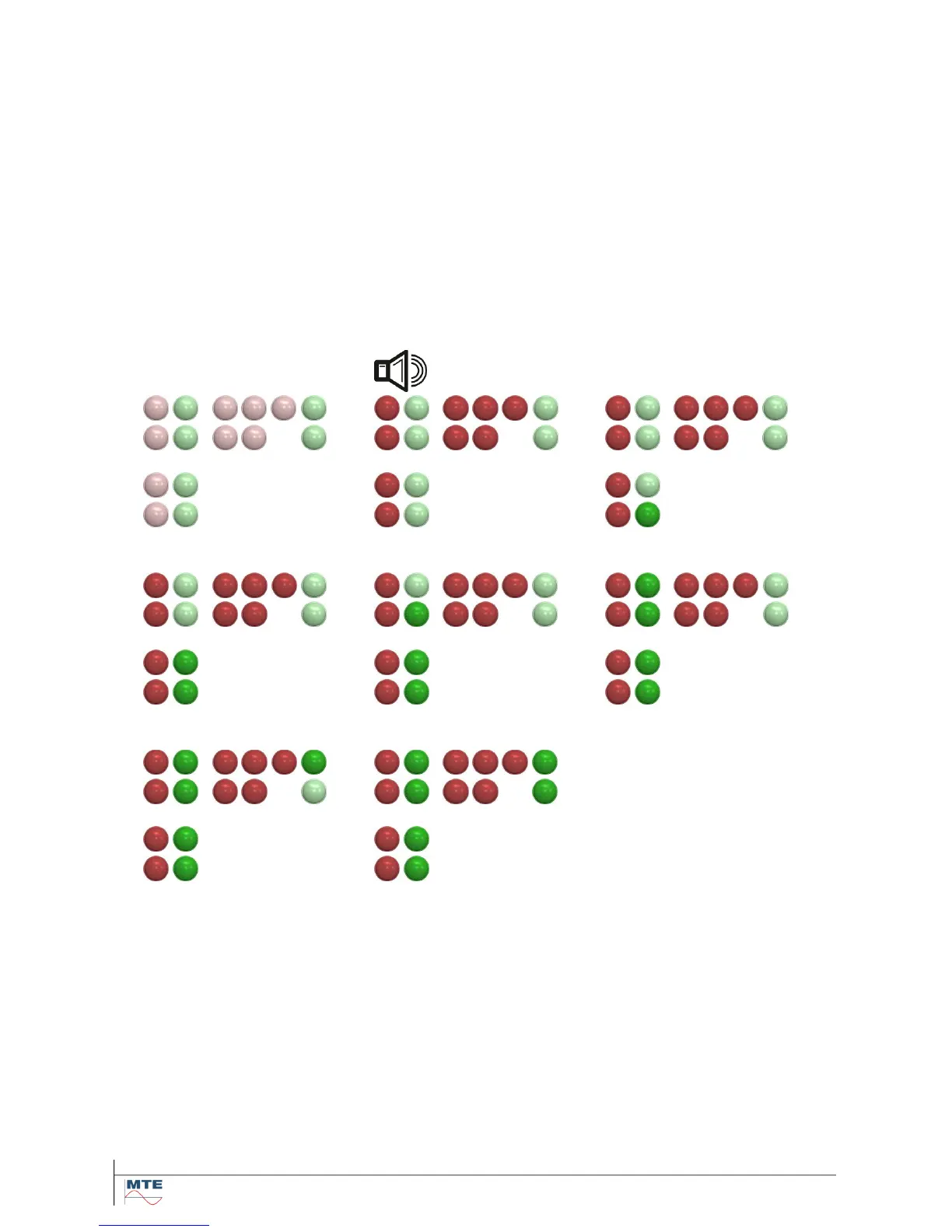
After power on (or reset) of the unit all red LEDs are turned on. The unit is in boot mode that allows a
firmware download operation to be started. This state lasts for approximately 5 seconds with the
green LEDs being used as a timeout bar. When all green LEDs are illuminated the normal firmware is
launched.



 To Next Page