HYDROCAL 1001+ Installation and operation manual Page 61/76
4.5.2.2. Changing the Network Adapter Properties
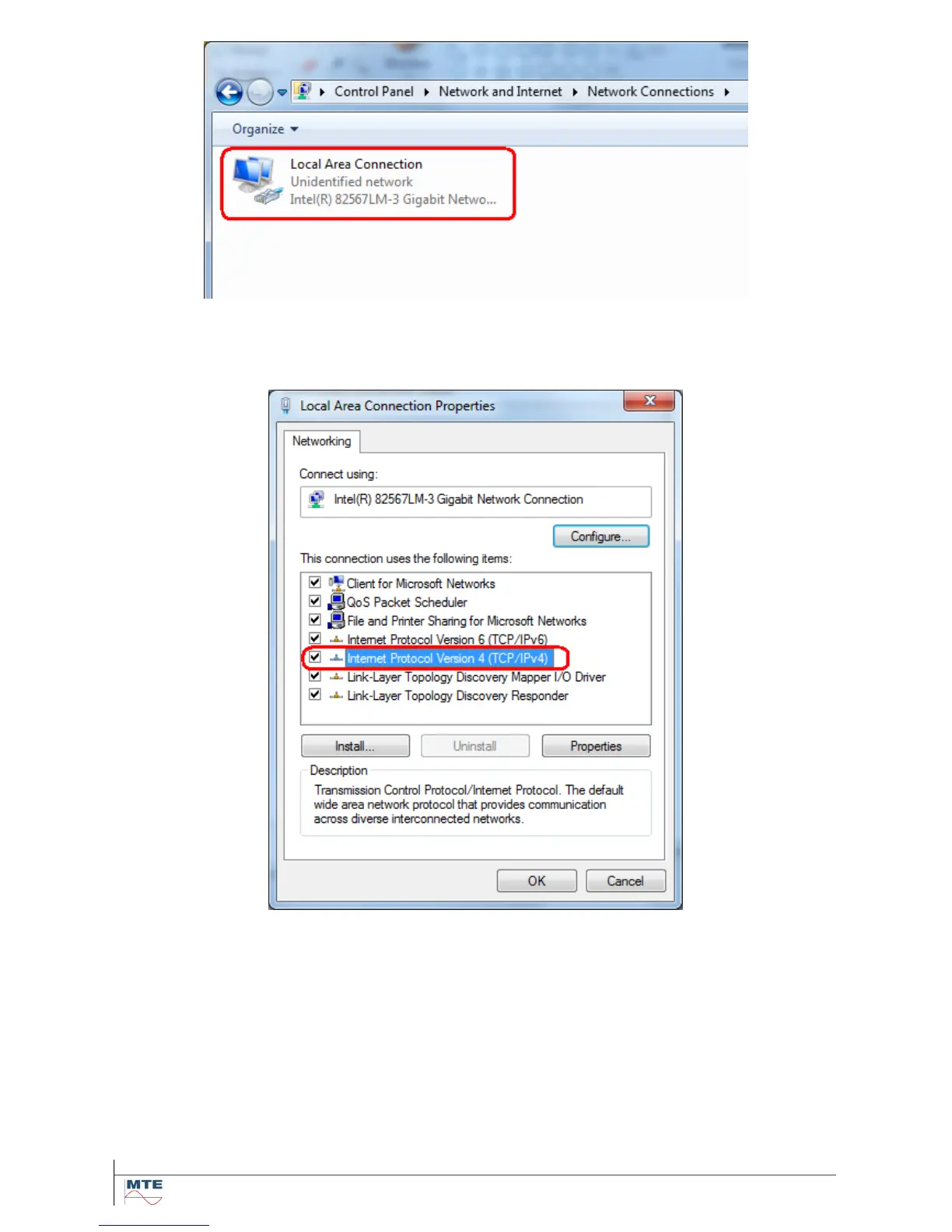
Do a right-click on the network adapter to bring up the context menu and choose the bottom level
entry (Properties). The properties page for the network adapter is coming up.
Click into the list in the middle of the dialog and highlight the entry for Internet Protocol Version 4
(TCP/IPv4). Next click the Properties button.
In the up-coming dialog activate the Alternate Configuration tab - (leave the General tab settings un-
changed).



 To Next Page