HYDROCAL 1001+ Installation and operation manual Page 70/76
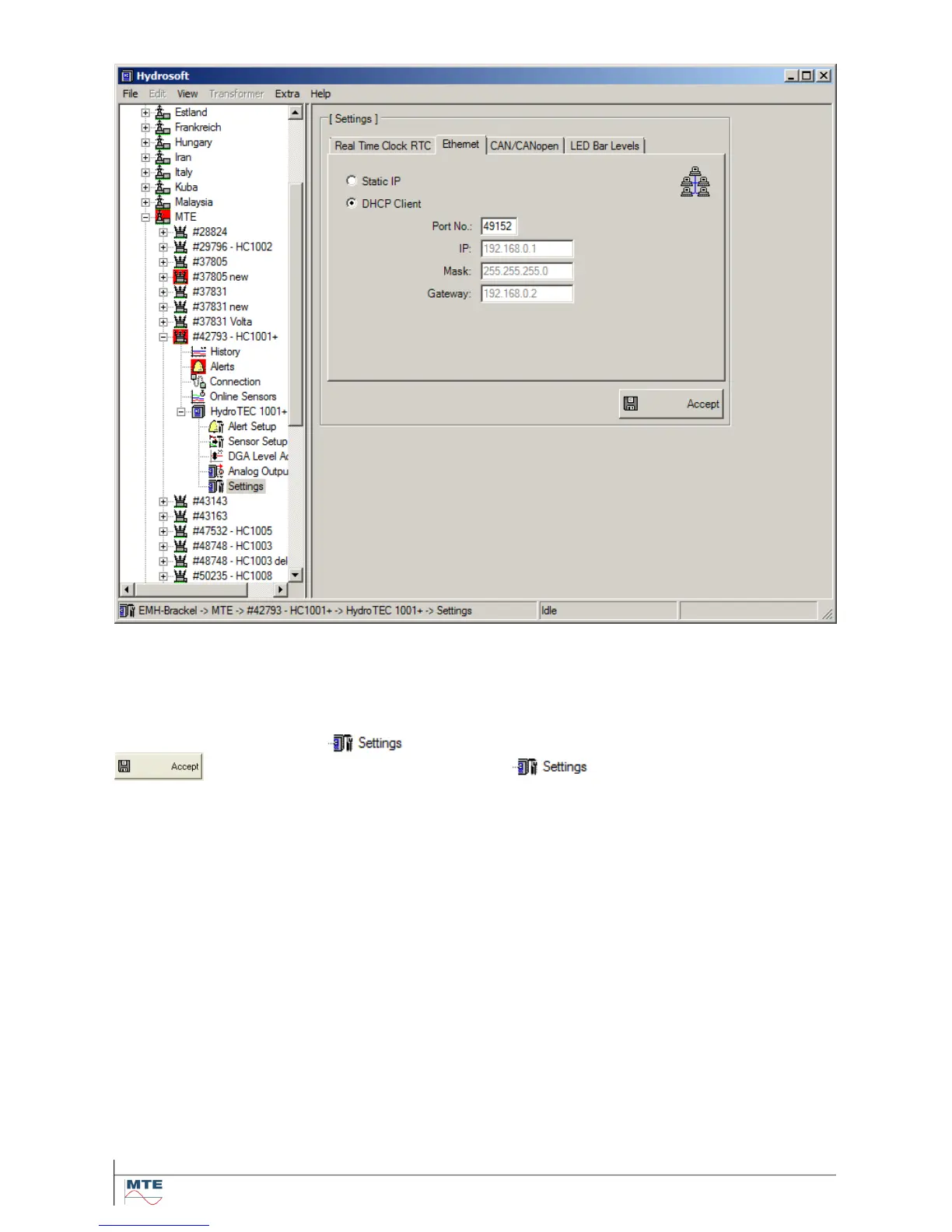
4.6.2.2. DHCP Client
By using this setting, the unit obtains the network settings from the DHCP server which is responsible
for the network administration. In this case only the port number can be entered. The network admin-
istrator must allow the automatic TCP/IP address assignment for HYDROCAL in the network
The data in the tree structure which is newly created or modified has to be stored with the
button then. It appears a star right to the symbol which indicates us that a
change was performed and that the data still has to be transferred to the unit. In this moment the
data is unequal and will be aligned with the HYDROCAL unit on the next connection (see Hydrosoft
manual).



 To Next Page