HYDROCAL 1001+ Installation and operation manual Page 48/76
4.3.2.2. Update of Firmware - Downloader
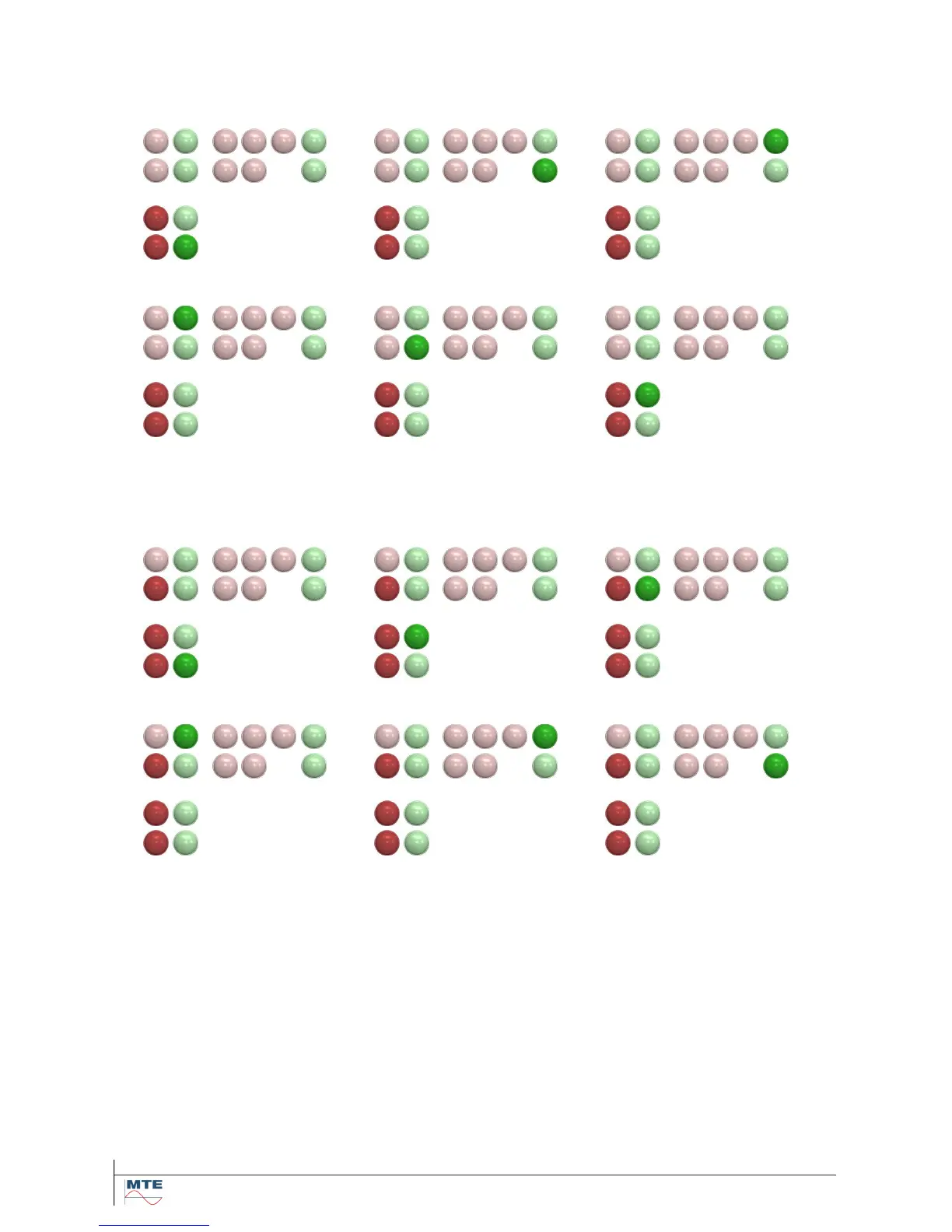
Once a firmware download operation is started during the boot sequence, the unit switches to a spe-
cial mode - the so called downloader. This status can be recognized by the following special LED
pattern (2 red LEDs are turned on and 1 green LED is circulating counter clockwise):
A firmware download operation being in progress is indicated by the following special LED pattern (3
red LED are turned on and 1 green LED is circulating clockwise):



 To Next Page