© Munters AB, 2020 165
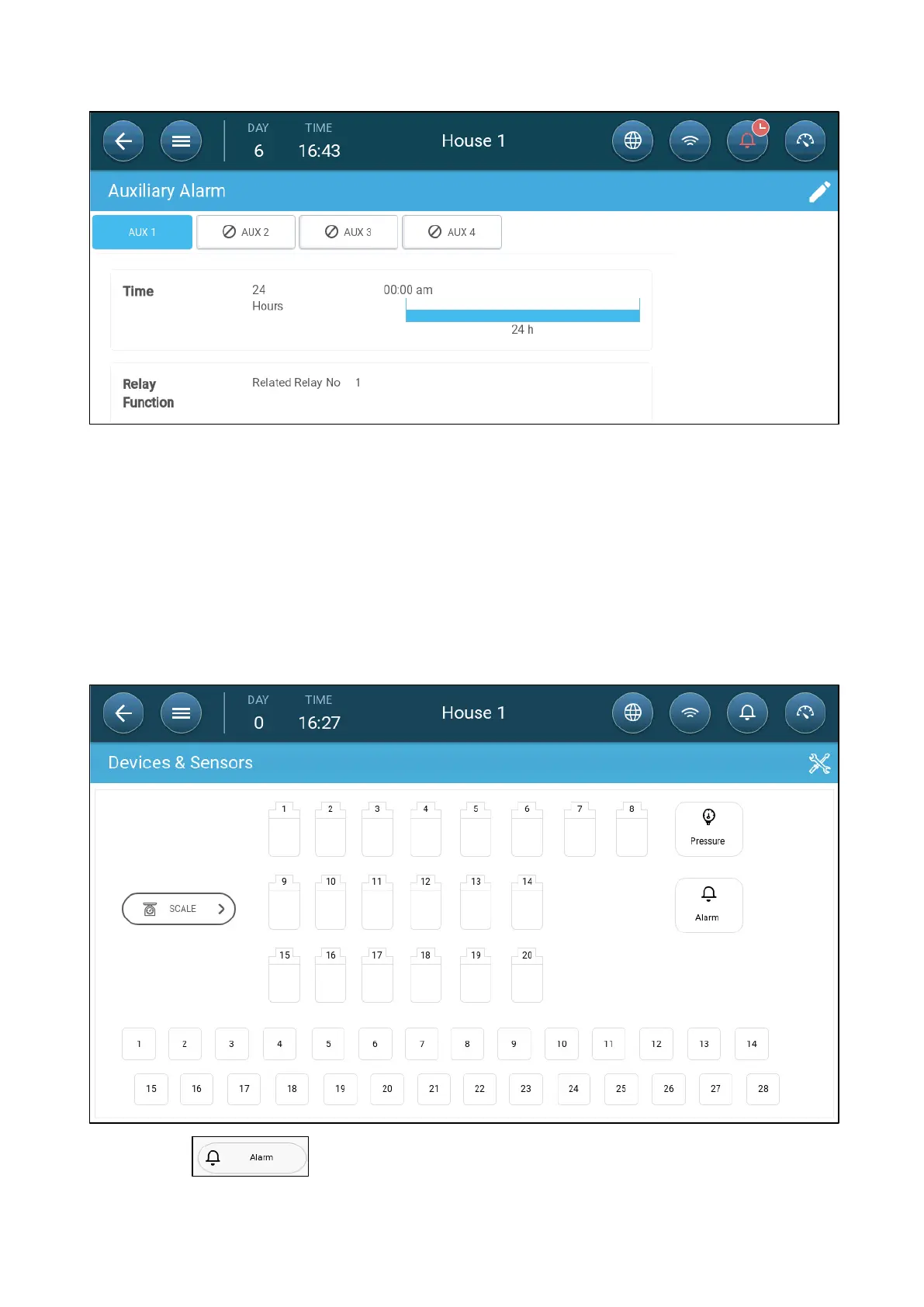
2. In Control > Auxiliary Alarm, click edit, define an alarm as Active.
3. Define:
o
Time Frames: Define the time frame, either 24 hours a day or specific time frames.
o
Relay Function: Enable this function
o
Define the relay being monitored. When this relay is no longer in its defined state
(normally open, normally closed) an alarm is sent.
21.4 Sending a General Alarm
1. Go to System > Device and Sensors.
2. Click .
An alarm is sent to everyone on the contact list.



 To Next Page