© Munters AB, 2020 177
•
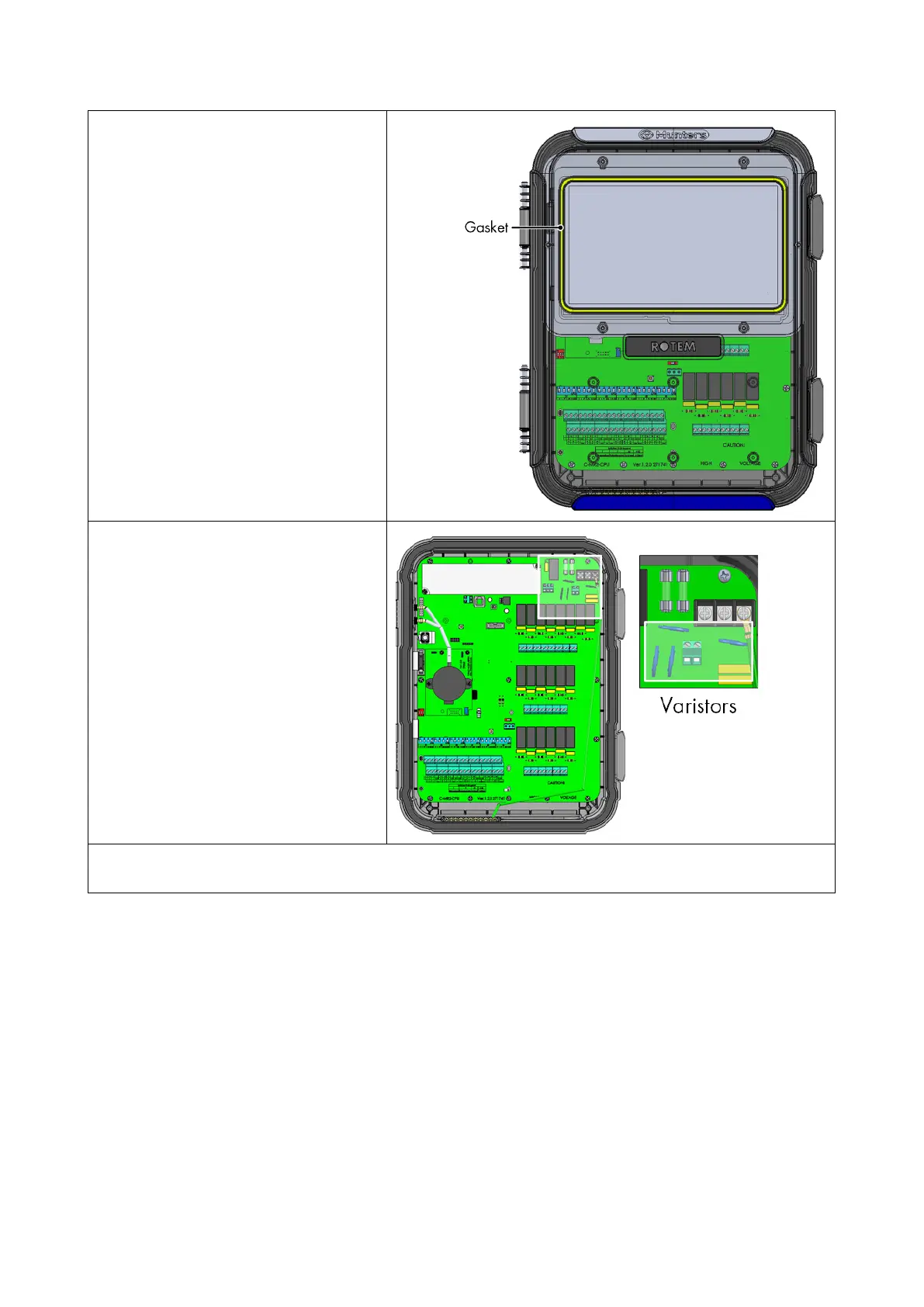
Check that the gasket around the
touch screen is not cracked.
•
Look for any signs of burns or
browning around the varistors.
•
Inspect the shield wiring and main grounding cable; ensure that they are properly connected
to the proper ports.
25.2 Trouble Shooting
•
Internet
•
Electronic Components
25.2.1 I
NTERNET
The following section describes how to trouble shoot internet problems. In the event that there is no
internet connection:
1. Go to System > General Settings > Network Screen. Verify that there is an IP address.
2. Check the cable connections between the switch and the TRIO.
3. Verify that the unit is powered.



 To Next Page