Mac OS X Utilities
- 113 -
Useful Software
6
Mac OS X Utilities
Panel Language Setup
You can change the operating panel display
language.
1 Output a menu map for the machine.
To output settings, press the <SETTINGS> key,
and select [Print Report]>[Menu Map].
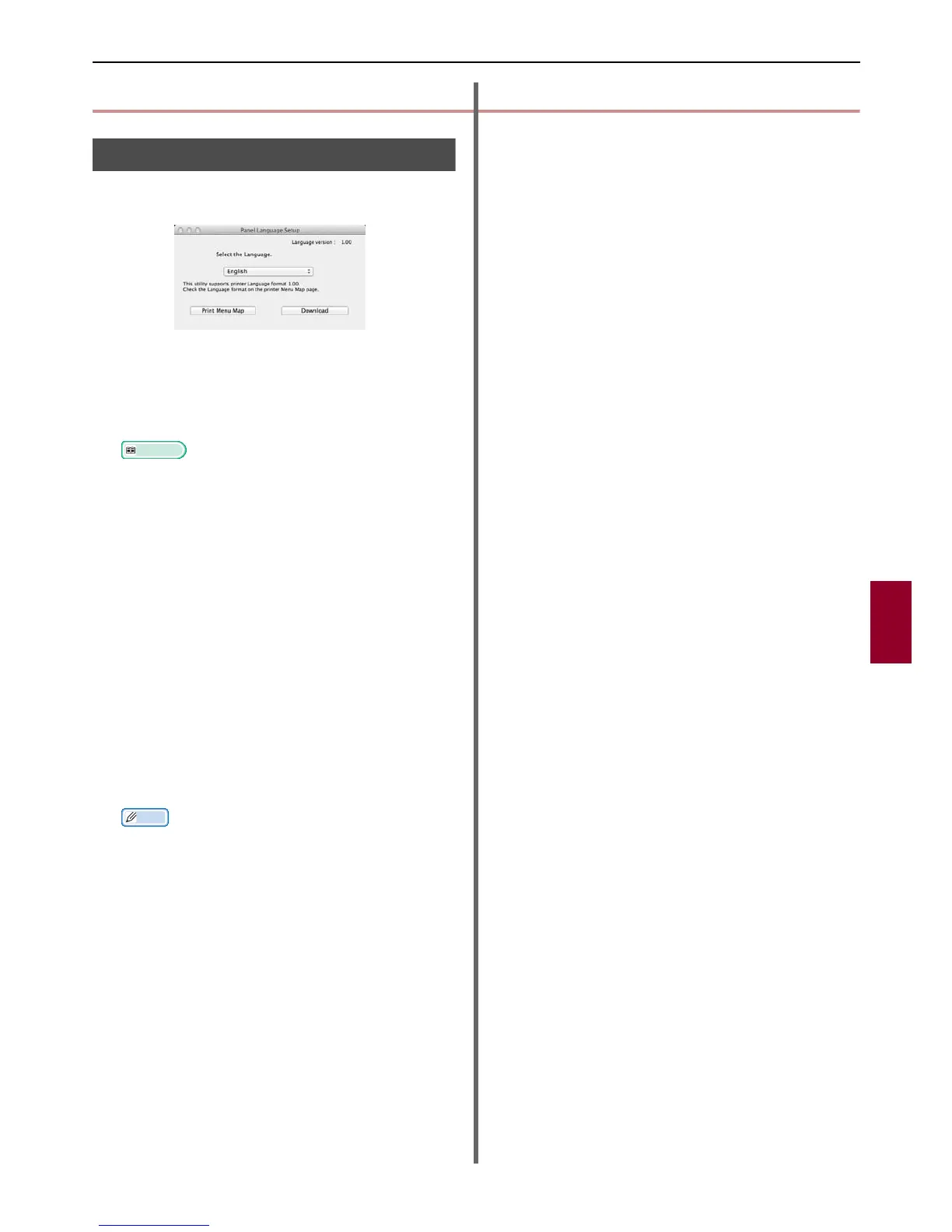
2 Launch the panel language setup utility.
Reference
"Installing Utilities" P. 99
3 Select a method of connection.
When selecting [TCP/IP], enter an IP address.
You can check the IP address on the menu map
output using procedure 1.
4 Click [OK].
5 For the menu map "Language Format"
value, check that the value displayed on
the screen matches the following
conditions.
Condition 1: The version beginning digit is to
match.
Condition 2: The value displayed on the screen
should be the same as the Language
Format value or a newer (higher)
one.
Memo
If Condition 1 is not met, language settings cannot be
downloaded. If Condition 1 is not met, an error will be
displayed in the control panel when downloading. In
order to restore, restart the machine. If Condition 1 is
met but Condition 2 is not, you can still use it although
part of the setting names will be displayed in English.
6 Select a language.
7 Click on [Download].
The language setting file will be sent to the
machine, and when sending is complete, a
message will be displayed.
8 Restart the machine.



 To Next Page
 Loading...






