Installation ValueCut USER MANUAL
36
VC2E-A-00
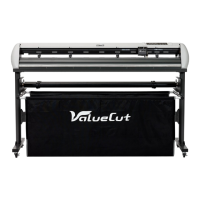
2.10 Cable Connection
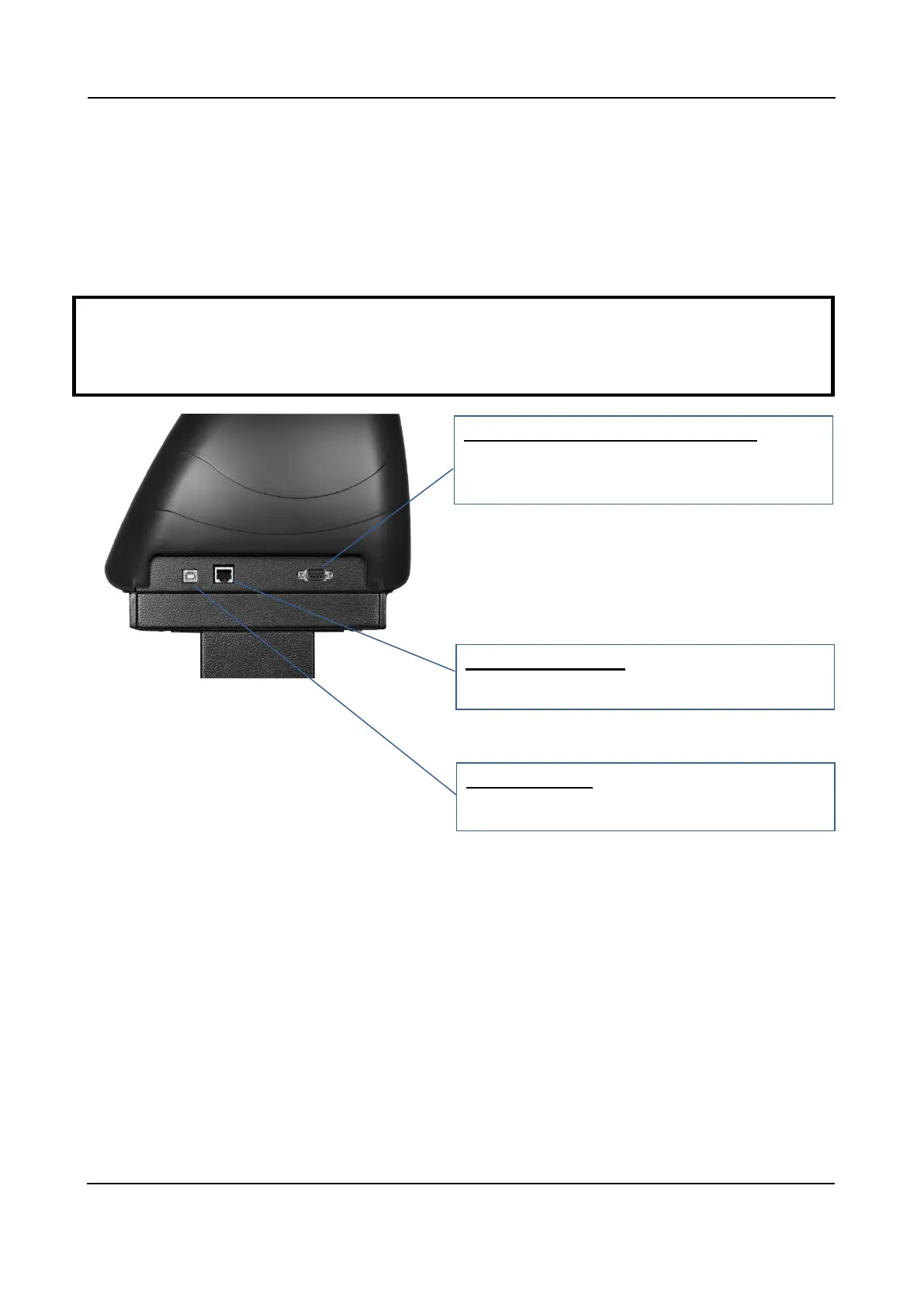
The cutting plotter communicates with a computer through a USB (Universal Serial Bus), a Serial port
(RS-232C) or Ethernet. This chapter shows you how to connect the cutting plotter to a host computer
and how to set up the computer/cutting plotter interconnection.
Note:
When USB connection is enabled, both parallel port and serial port will be disabled automatically
Serial Interface Connector (RS232C) –
used to connect the cutting plotter to a
computer through a serial interface cable.
Ethernet Connector – used to connect your
computer to a local area network.
USB Connector – used to connect the cutting
plotter to a computer through a USB cable.



 To Next Page