ValueCut USER MANUAL FlexiSTARTER Quick Start Guide
91
VC2E-A-00
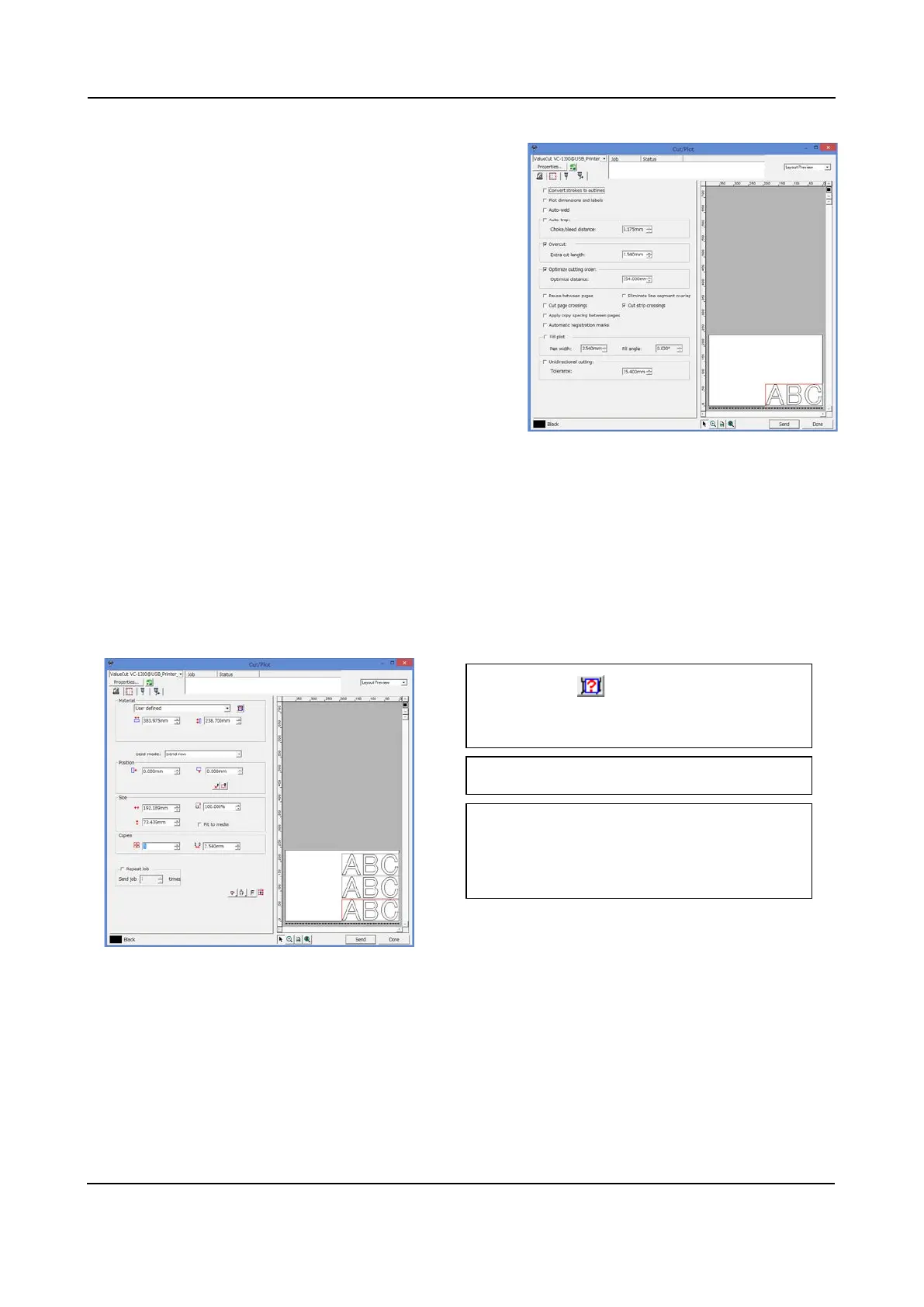
Advanced tab
Set up applicative cutting job.
Let's try to cut.
Set somewhere around A3 size sheet sideways to the ValueCut.
8.8 Cut the Character
Execute cutting job in the Cut/Plot window with each of the tabs as follows:
1. Click on , then media size loaded to
the ValueCut may appear.
Select "Send now" in the Send mode.
3. Select copies falling within the media
size. This time, three sheets are applied.
2











 To Next Page