Operation ValueCut USER MANUAL
48
VC2E-A-00
Step 4
Push the lever backward to lower down the pinch rollers.
Step 5
The media sizing selection menu (Roll, Edge, Single) appears on the control panel. Use [
}
] key to
choose Single.
4.1.2 Loading the Roll Media
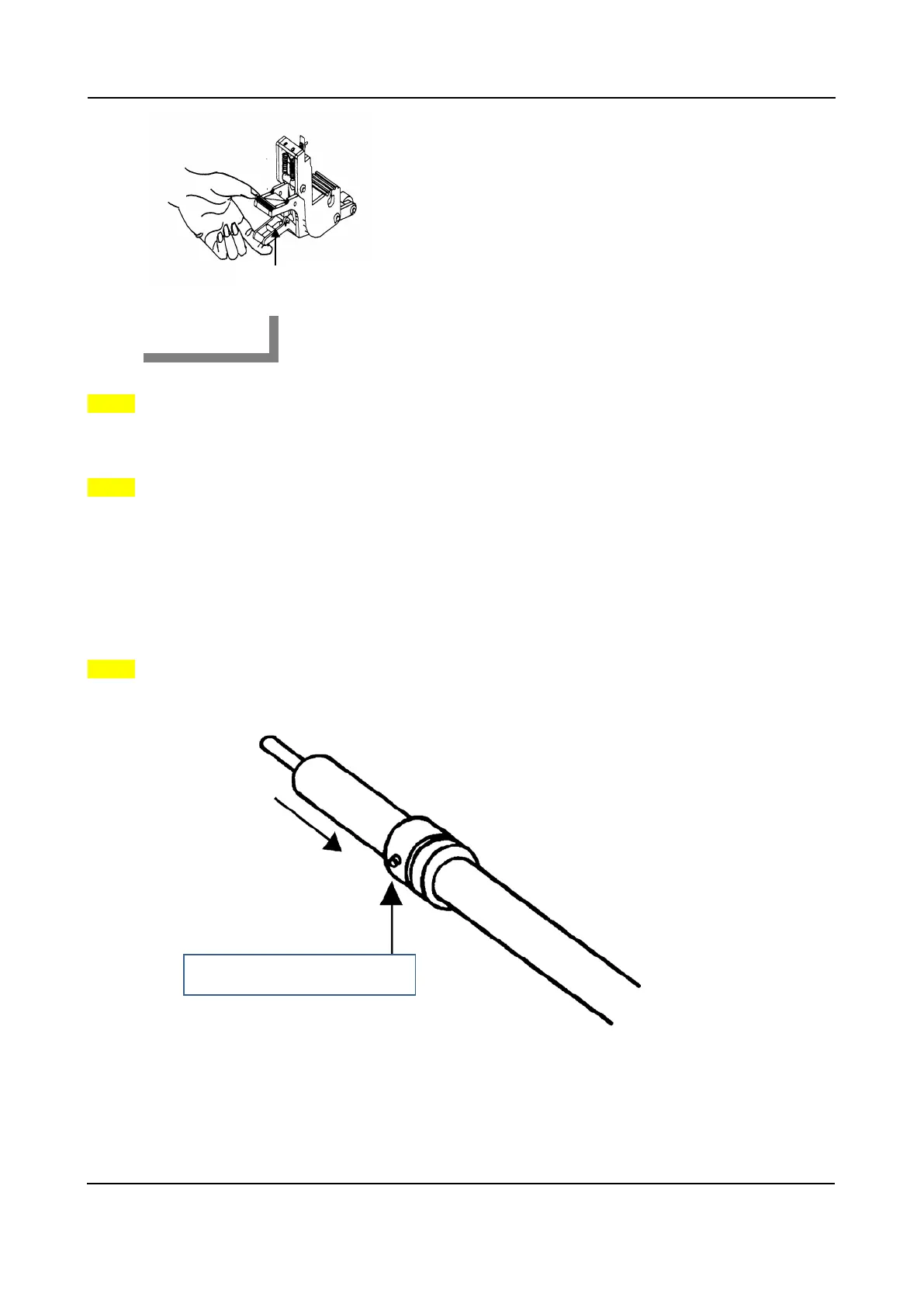
Step 1
Put the roll media guide bushes on two roll holders (Figure 4-6).
Pull up bottom to release grip
Figure 4-5
Roll media guide bushes
Figure 4-6











 To Next Page