ValueCut USER MANUAL FlexiSTARTER Quick Start Guide
87
VC2E-A-00
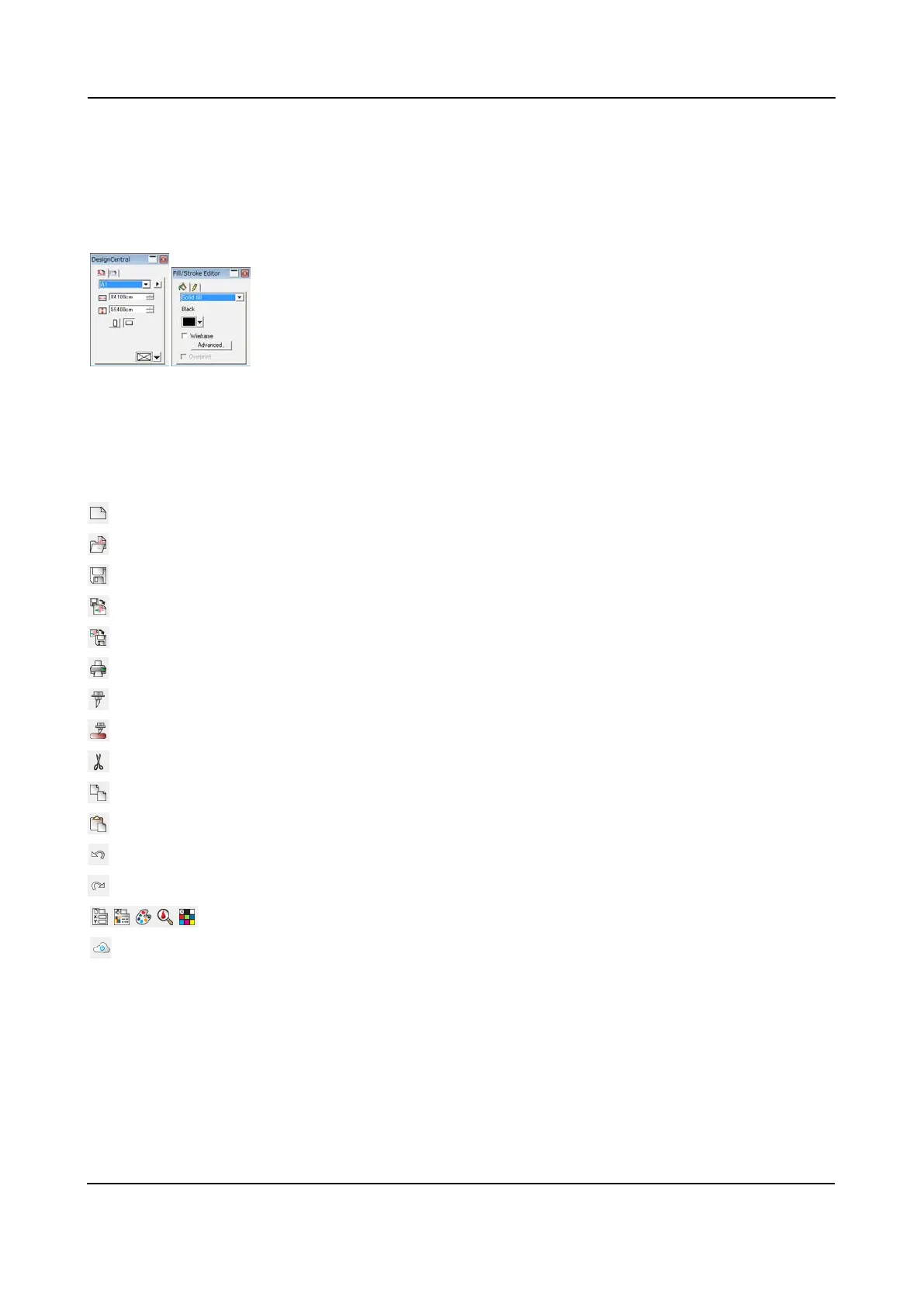
Additionally, select "Design Central" and "Fill/Stroke Editor" from the View Window menu and open the
screens. These screens are frequency in use.
The displayed content of the Design Central screen depends on a selected tool. The figure example right
above means a size of paper in the Design Central window.
The Fill/ Stroke Editor screen allows you to set up a color and a line type.
8.6.2 Standard Toolbar
Only usable icons are active.
: Open a new window.
: Open a file.
: Save a file you create.
: Load a file. It places on an executed window.
: Write a file in a format except for the FlexiSTARTER.
: Print out by using a printer registered in a computer
: Open the Cut/Plot window
: Open the Cut Contour window
: Cut
: Copy
: Attach a copied object
: Undo
: Redo
: Open "Design Central", "Fill/Stroke", "Color Mixer", "Color Specs" and "Swatch Table".
: Cloud page











 To Next Page