ValueCut USER MANUAL FlexiSTARTER Quick Start Guide
85
VC2E-A-00
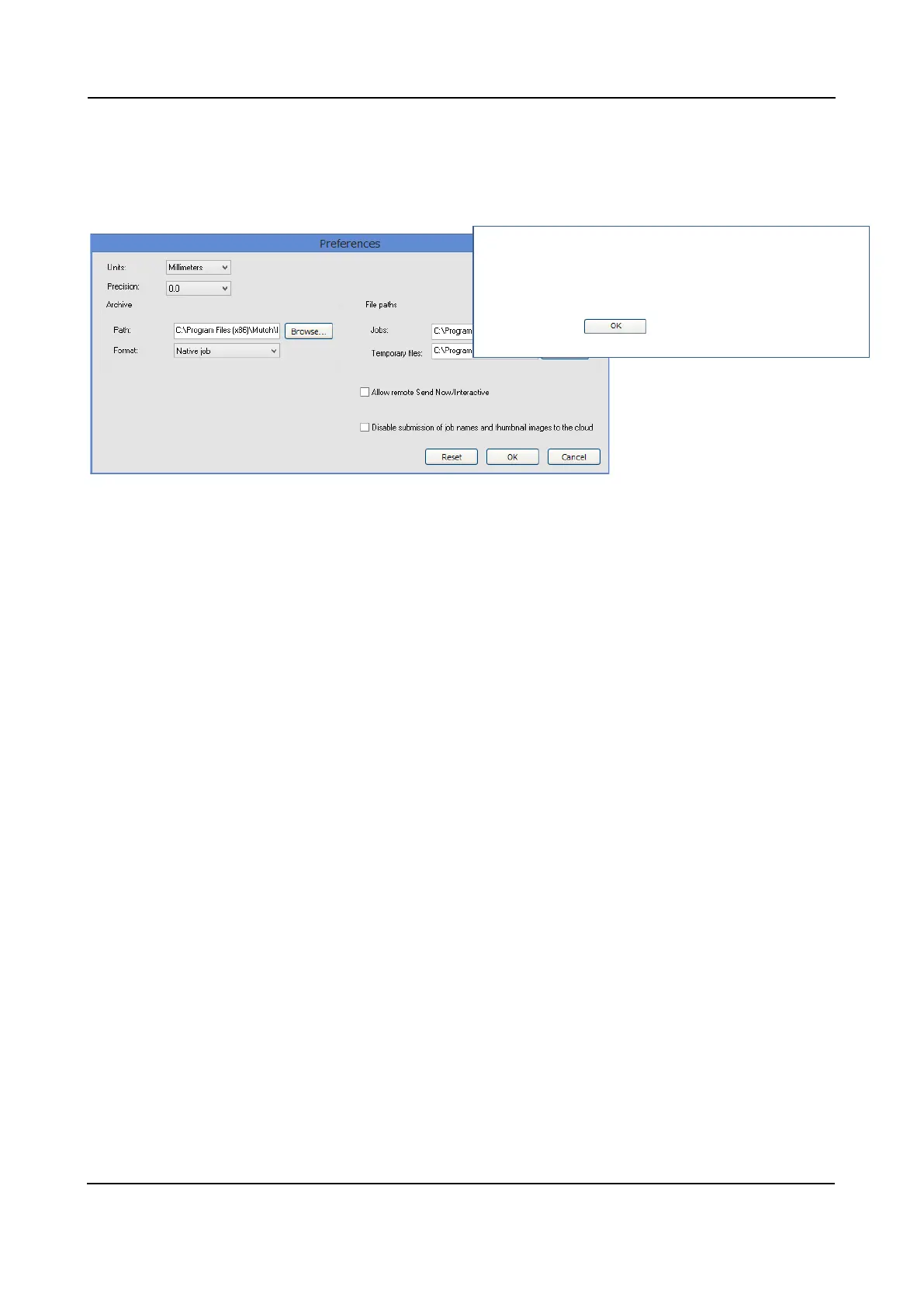
8.5.2 Change unit of measures used in the Production Manager
Open the Preferences window from the Edition menu of the Production Manager and change settings as
follows.
2
1. Change the unit.
2. Select the precision and press the button.
3. Check the box if you want to disable the job name
and thumbnail image transmission.
Press the











 To Next Page