Installation ValueCut USER MANUAL
16
VC2E-A-00
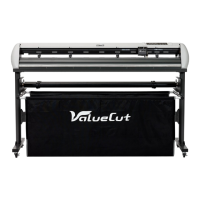
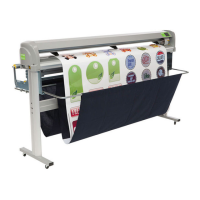
2.2 Stand & Flexible Media Support System (VC2-1300/1800)
Step 1
Please examine supplied items in the accessory box of stand carton:
1 set of roll media flange (2 pieces)
1 set of roll holder (2 pieces)
2 pieces of base beams
2 pieces of side beams
1 piece of stand beam
2 piece of roll holder support
20 pieces of M6 screws
1 piece of 4 mm L-shape hexagon screw driver
1 piece of Installation Guide for Stand Set
Step 2
Remove the plotter body and the accessories from the shipped carton.
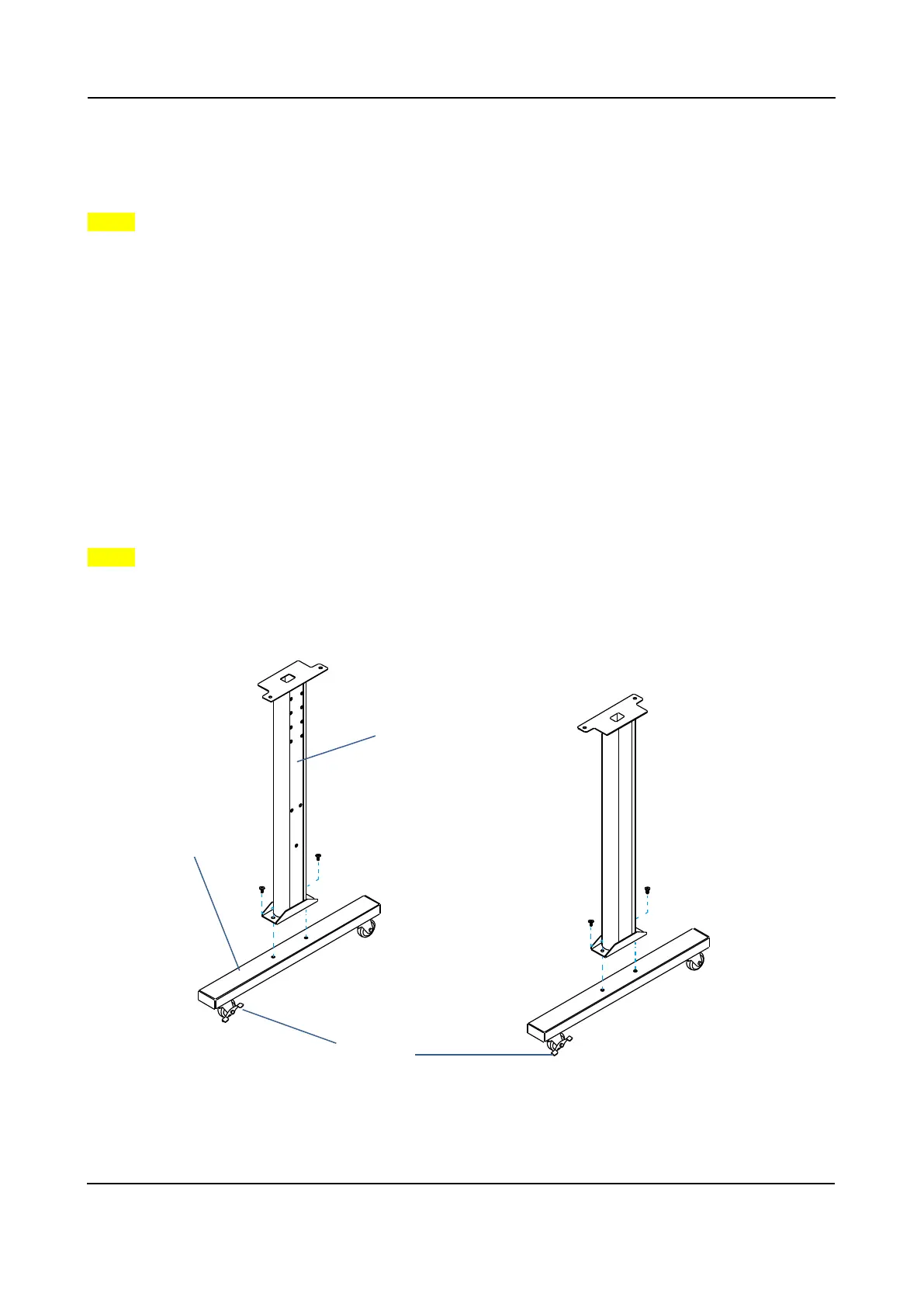
Assemble the base beam to the side beam with 2 screws to form a T-shape stand.
Figure 2-1
Base beam
Side beam



 To Next Page