FlexiSTARTER Quick Start Guide ValueCut USER MANUAL
98
VC2E-A-00
8.10.3 Cut Contour
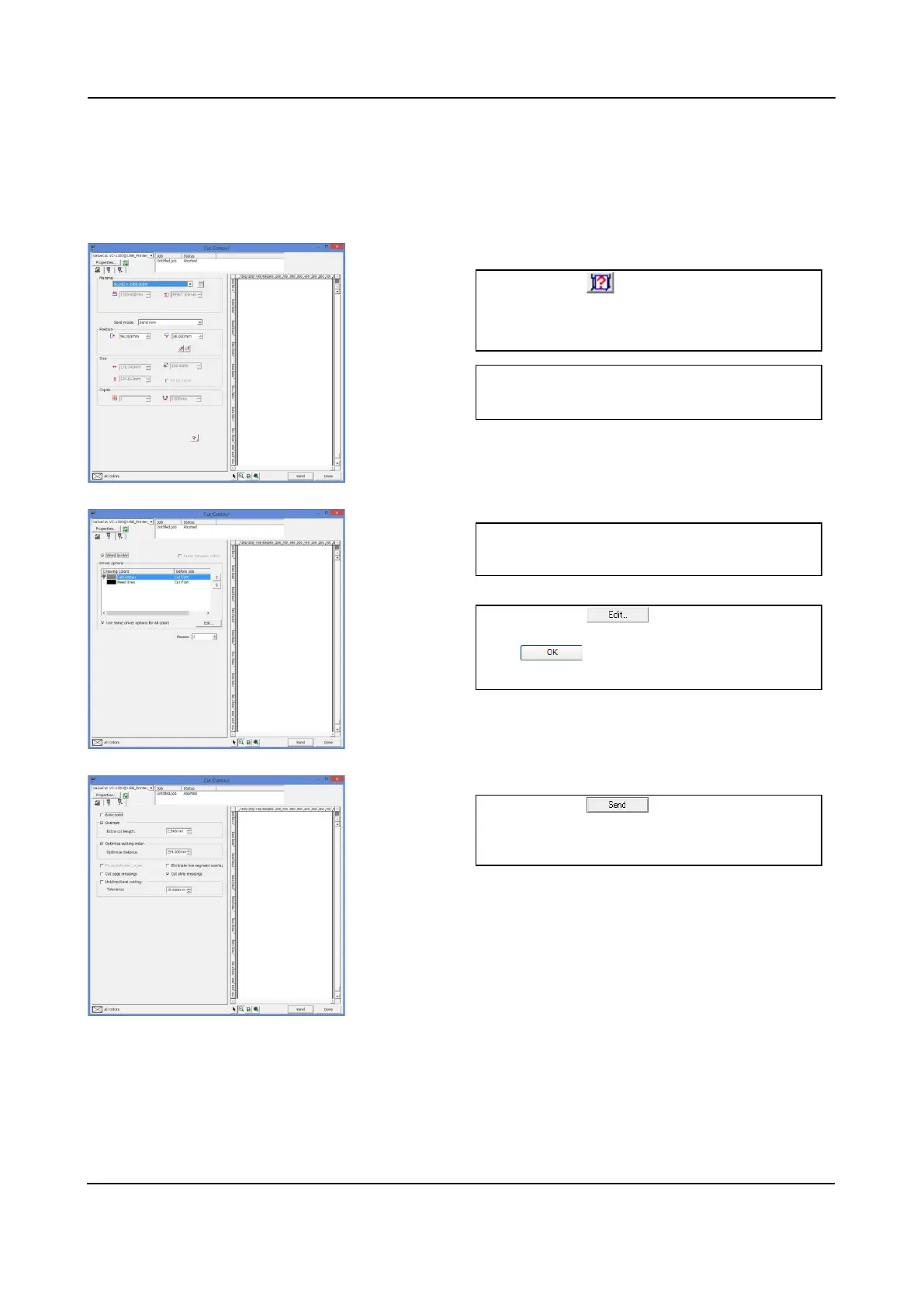
The basic setup is the same as the Cut/Plot window.
The ValueCut executes to cut the contour in the following process.
1. Click on to detect and present
media size attached to the ValueCut.
2. Select "Send now" in the Send mode
blank.
3. Place the check mark in the Weed
border.
4. Click on , then in the opened
window select "Cut First". Click on
to close the window.
ValueCut cutting data. Then, the cutting
job may start.
1
3
4
5











 To Next Page