15. INSPECTION AND MAINTENANCE
15.1. USER INSPECTION
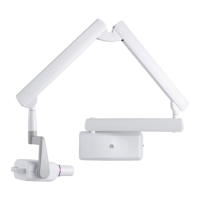
These instructions describe the maintenance procedures for the RX DC X-ray unit.
These instructions apply to all the revisions of said equipment, as well as all the accessories that may have been provided, therefore the description of some parts may not correspond to your equipment.
Inspection and preventive maintenance must be performed at scheduled intervals to protect the health and safety of patients, users and other persons in accordance with national regulations regarding the use, maintenance of dental x-ray
devices that are in force in the country where the device is installed.
In order to ensure the operational safety and functional reliability of your product, the system owner should check the equipment at regular intervals (at least once a year) or commission an authorized technician to do so.
If one or more checks to be performed are not satisfactory, please contact your dealer tech support.
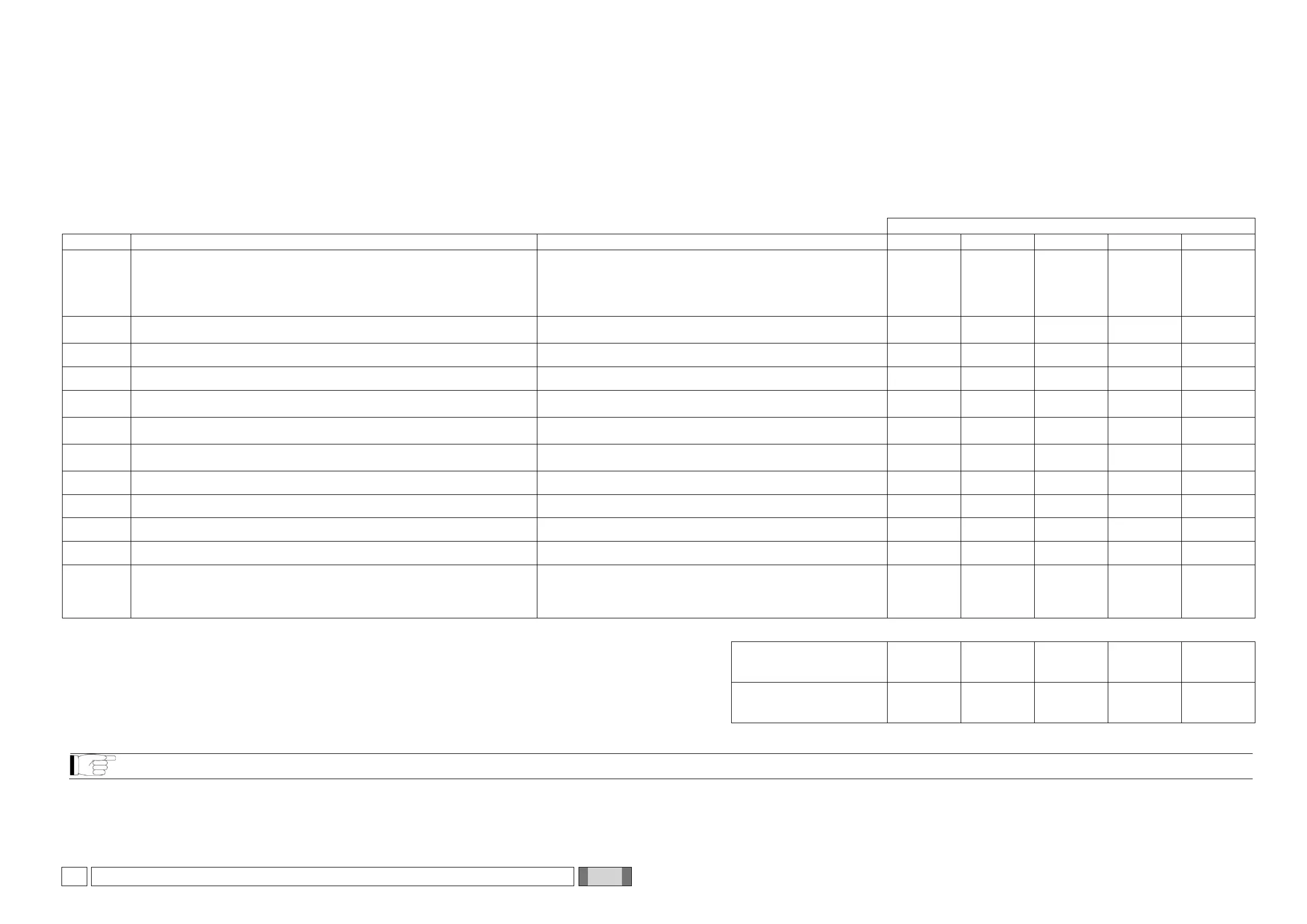
Answer questions with yes (√) or no (−)
Check that all labels located
- on the wall-mounted cover,
- on the X-ray tube
- inside the collimator/collimators,
are intact, well attached and legible.
Section Identification nameplates
Check there are no external damages to the equipment which could that may
reduce protection against radiation.
Section Description of the RX DC x-ray unit
Check the battery level of the wireless remote control
Section Batteries and charge level indication
Check the remote control functionality: buttons must respond to interaction
Check the power switch verifying that the switch is working properly and the
main switch green light illuminates when the switch is in the on position.
Section Turning the x-ray unit on and off
Check the electromechanical brake that lock/unlock the movement of the
generator – Hypersphere model units only
Section Hypersphere technology
Check proper functioning of X-ray generator indicator light - Hypersphere model
units only
Section X-ray generator indicator light
Check the exposure buzzer during a trial x-rays emission
Verify that exposure is immediately interrupted when X-rays button is released
Check the scissors arm balance
Section Description of the RX DC x-ray unit
Verify that exposure is immediately interrupted when X-rays button is released
Check the X-Ray Generator functionality performing a complete trial exposure.
Select any time exposure and hold down the emission button throughout the
entire exam procedure. Absence of error messages assures a proper generator
functionality.
Section Procedure to be follow ed when taking the x-ray
The undersigned confirms that the equipment was checked for the above criteria and that, in case of any malfunction, an authorized technician of the local dealer was informed.
All inspection and maintenance work performed by the system owner and/or service engineer must be recorded in this document and kept near the unit!.


 To Next Page
 Loading...