5.2. SETTING THE OPERATING MODE
The myray RX DC - RX DC/I x-ray unit features the following operating modes:
- En60: all the x-rays are taken at 60KV and 7mA
- En63: all the x-rays are taken at 63KV and 6mA
- En65: all the x-rays are taken at 65KV and 6mA
- AUTO: the system automatically selects the best setting from amongst En60, En63 and En65 for each tooth-
patient size combination
NOTE: The current setting is displayed on the handheld for approximately 1 second for each tooth-patient
size selected before the relative exposure time is shown.
To set the operative mode, press keys and to go to the set up menu.
Scroll the parameters up to parameter P06 and press key . Scroll the options to find the desired operating mode
and then press key .
Press key to quit the set up menu.
5.3. SETTING TYPE OF MOVABLE COLLIMATOR
The MyRay RX DC x-ray unit features the following movable collimators:
- Rectangular 35x45 mm (RX DC Plus only)
- Round ø55 mm
- Rectangular 31x41 mm (to apply on round collimator ø55 mm)
- Rectangular 22x35 mm (to apply on round collimator ø55 mm)
NOTE: For an ideal use of the x-ray unit, set the collimator depending on the type used.
To set the type of collimator, press keys and to go to the set up menu.
Scroll the parameters up to parameter P07 and press key . Scroll the options to find the type of collimator used
and then press key .
Press key to quit the set up menu.
5.4. RESTORING FACTORY SETTINGS
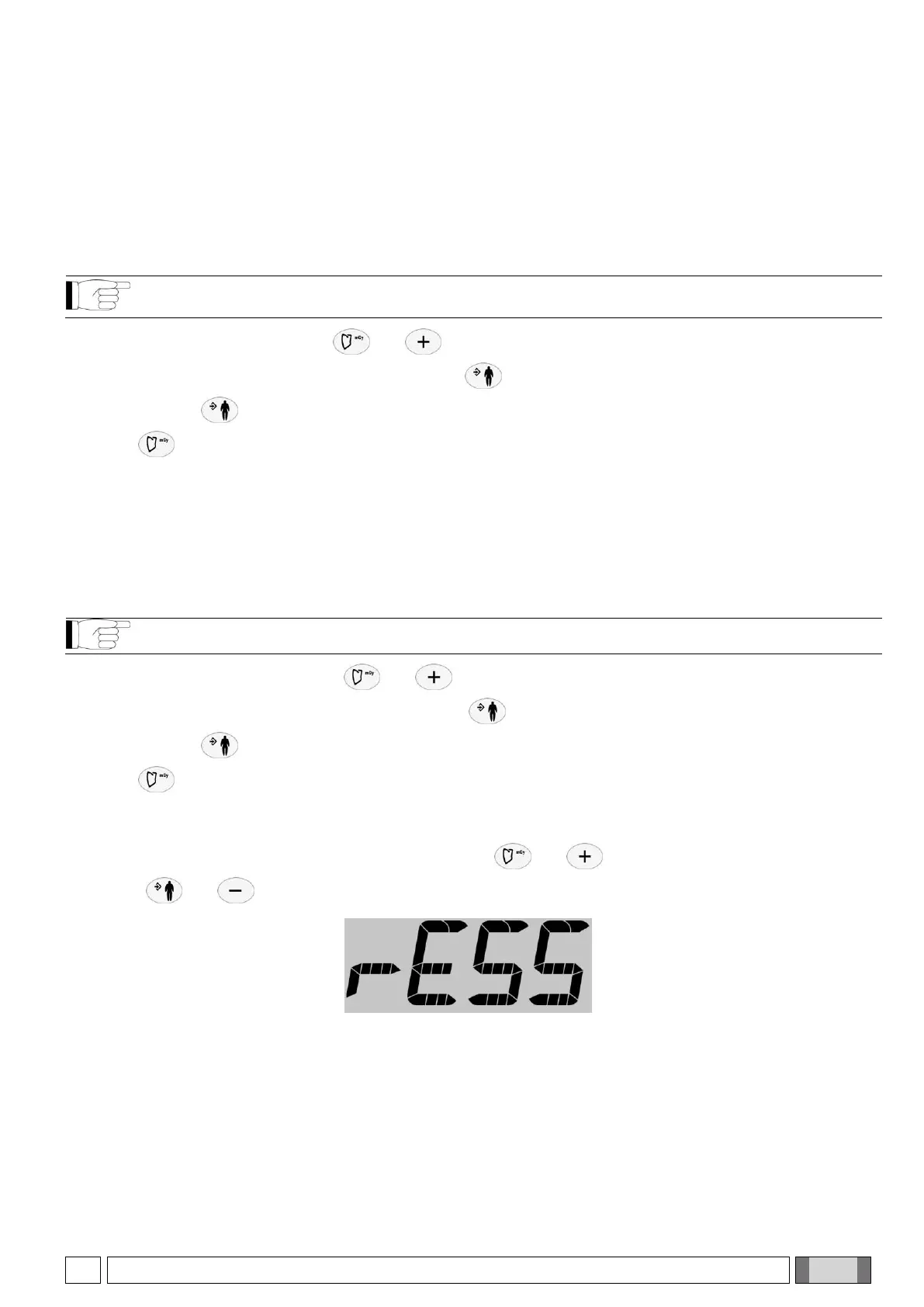
To restore the factory settings (see paragraph 3.5) press keys and to go to the set up menu.
Press keys and simultaneously. "rESS" will briefly appear and the handheld will be rebooted.


 To Next Page