►
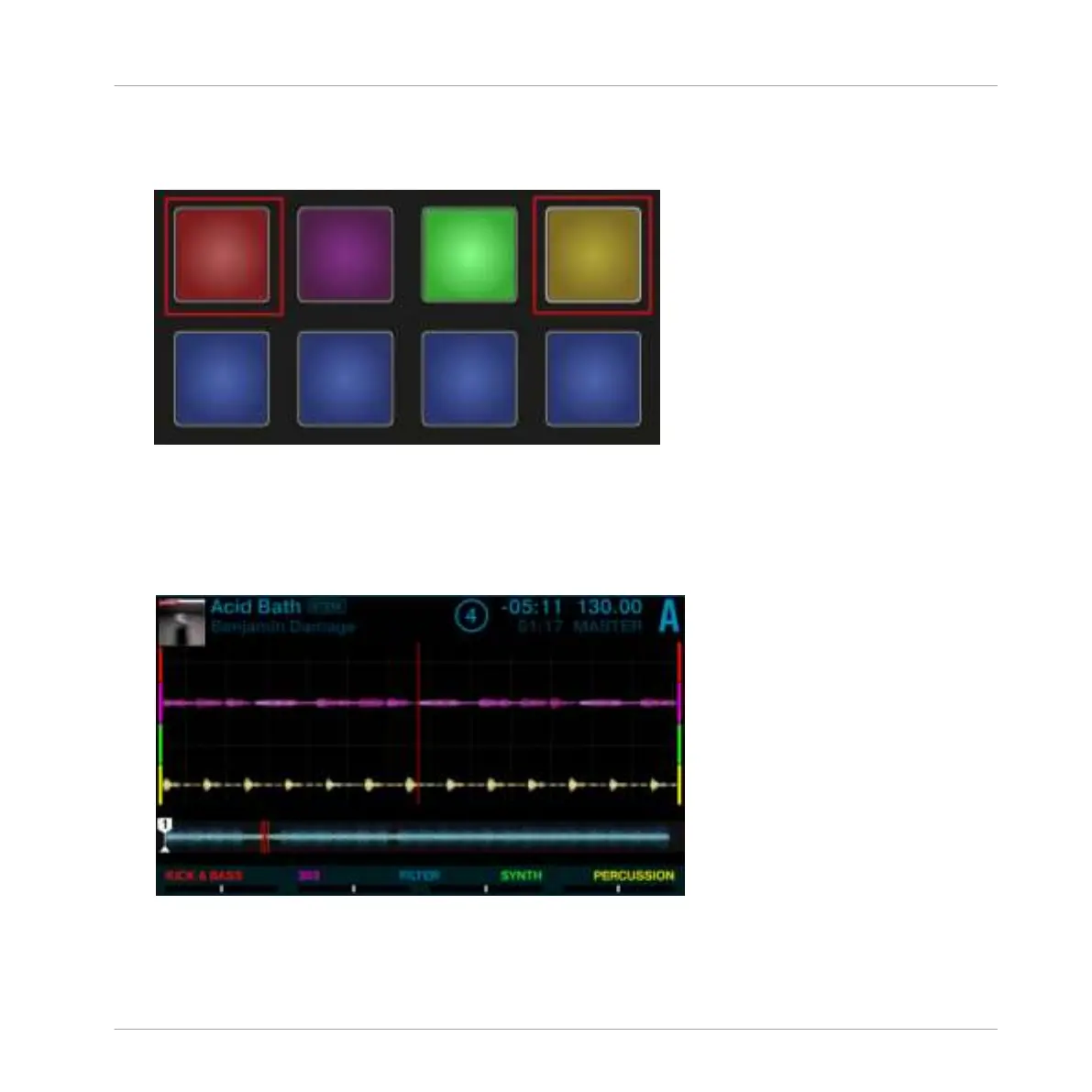
Press the Pads corresponding to the Stem Parts.
You will hear the audio of the Stem Parts are muted and the Pads are dim.
Applying FILTER Effect to Stem Parts
In order to apply the FILTER e.g. to Stem Part 1:
1. Press the Performance Mode buttons until the
FILTER page is selected in the Performance
Mode pane.
Using Your S5—Getting Advanced
Mixing Stem Files using Stem Decks
TRAKTOR KONTROL S5 - Manual - 125


 To Next Page
 Loading...






