www.naxa.com Page 15
EPG
EJECT: Press to eject a disc
from the DVD slot.
EPG: Press to view the
Electronic Program Guide for
TV channels (available in TV
mode only).
DISPLAY
INFO
DISPLAY: Press to change
the on-screen status display
options.
INFO:
MEDIA
ZOOM
MEDIA: While the input
source is set to DVD, press
to change between SD/
MMC/MS, USB (DVD), or DVD
modes.
ZOOM: Press to scale the
picture.
AUDIO
MTS
AUDIO: Press to change
the audio track (if multiple
tracks are available).
• DVD: Press AUDIO to
change the language track.
• CD: Press AUDIO to change
the stereo mix (Stereo,
Right Channel, Left Chan-
nel, Mixed Channels).
MTS: Press to change the
Multichannel Television
Sound option, if available.
LOCK
PLAY/PAUSE: Press to start,
pause, or resume playback.
TIME
STOP: Press to stop
playback.
TITLE
FREEZE
TITLE: Press to access the
disc title screen.
FREEZE: Press to pause the
video.
MENU
PBC
CC
MENU PBC: Press to access
the disc menu screen. For
VCD discs with PBC support
enabled, you can use the
number keypad to select a
track or menu item.
CC: Press to change the
closed-caption display option.
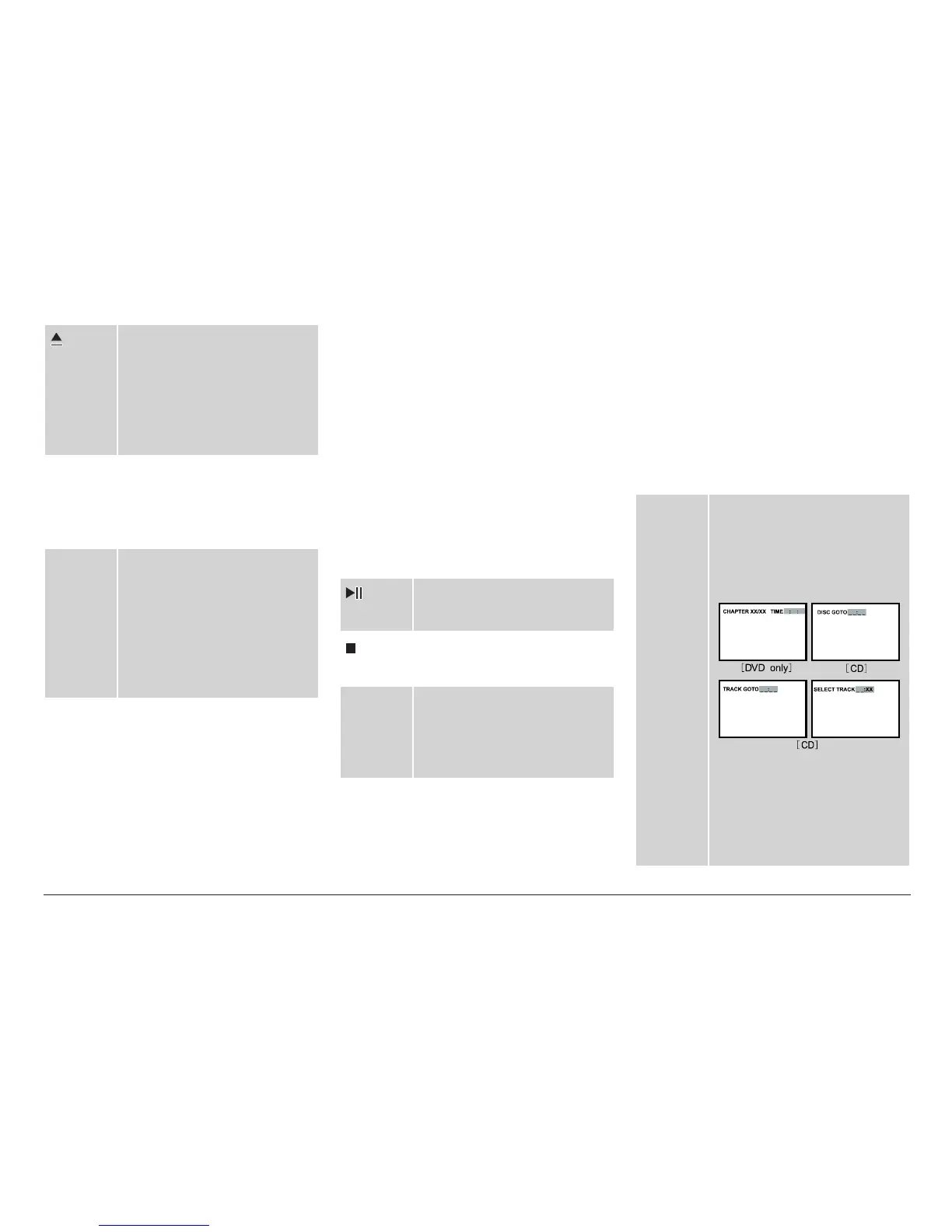
GOTO
LIST
GOTO: When available, press
to jump directly to a specic
track number, chapter, title,
folder, or le (sample GOTO
options are shown below).
Use the arrow keys to
change elds; use the num-
ber keypad to enter a value.
LIST: Press to display the TV
channel list.



 To Next Page