BenchMike Pro 2025/2050 & Z-Mike Pro 4025/4050 Instruction Handbook: Setup 4-3
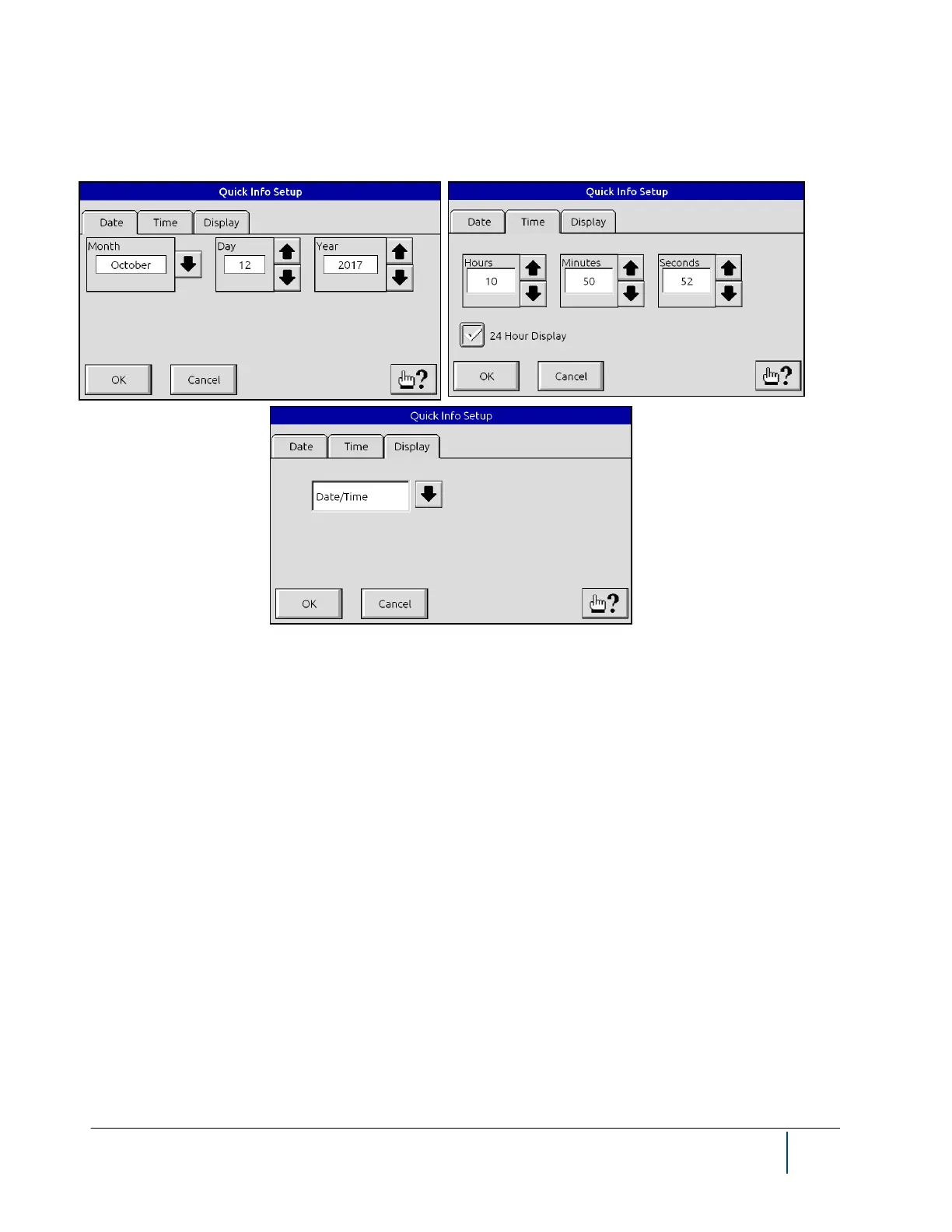
Touch the Quick Info block to access these three pages. You can specify the date, the time, and the display
setting for Quick Info display from these pages.
Selecting Flash will display the amount of flash storage available for library settings. Selecting RAM will display
the amount of memory available to the software application.
The Status block on the main screen displays the current status of the scanning beam and tolerance/limit alarms.
From the Status menu you can also access diagnostic information, lock the BenchMike Pro, and check the soft-
ware revision in use. The Units icon allows you to select the desired measurement units. The Help icon accesses
help menus to assist you with various functions of the BenchMike Pro. Touch the Help icon and then touch the
item for which you need help, and a Help Page will appear.



 To Next Page