BenchMike Pro 2025/2050 & Z-Mike Pro 4025/4050 Instruction Handbook: Setup 4-13
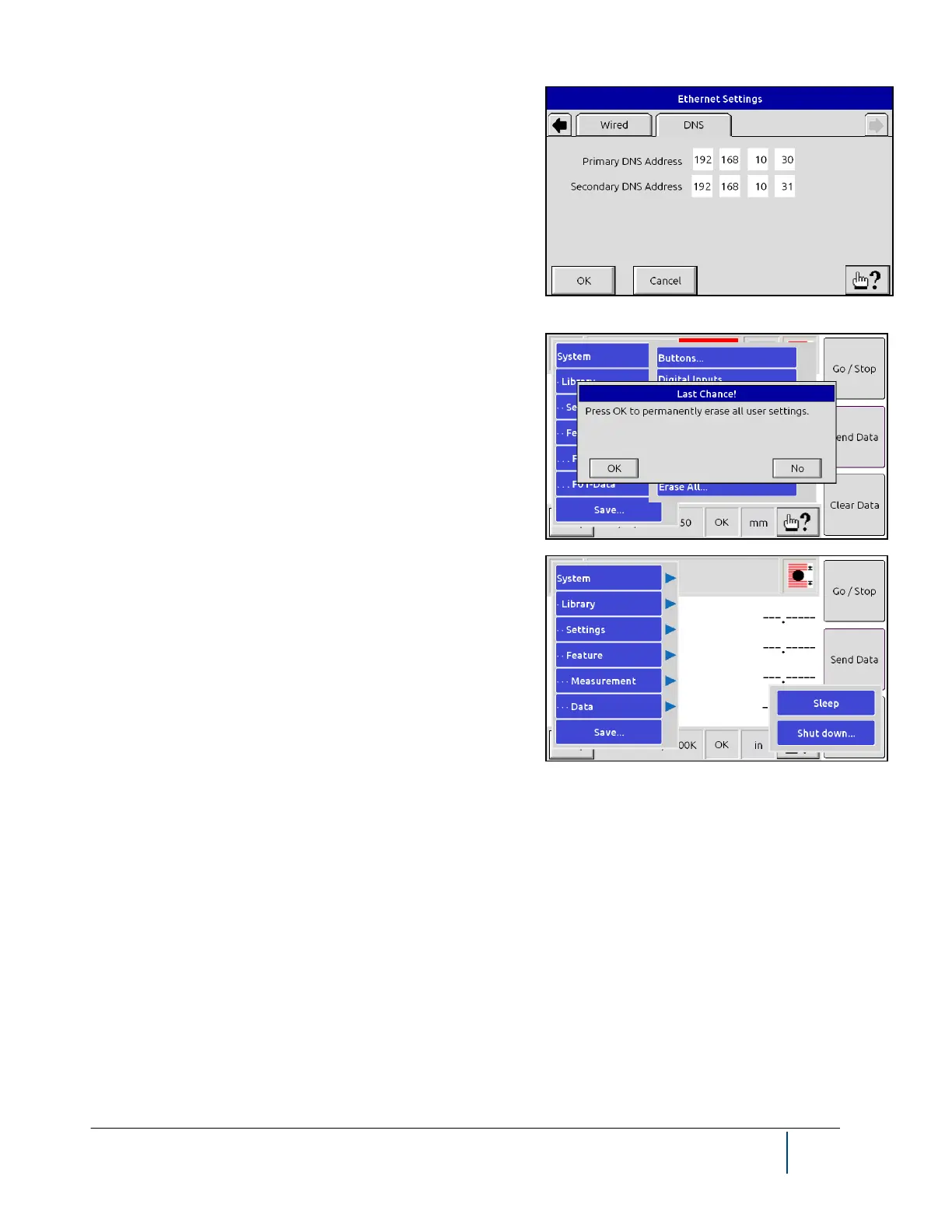
On the DNS tab, the Primary DNS Address and Secondary DNS
Address can be changed.
The last option from the System menu, Erase All, clears all user
libraries and system settings, restoring the gauge to the factory
default settings. You will be asked to confirm this selection twice
because the change is irreversible.
4.6.2 Sleep and Shutdown functions
From the Setup menu, you can turn the BenchMike to sleep or
shutdown mode.
Selecting Sleep shuts off the BenchMike’s display LCD. Touch
the screen anywhere to end sleep mode.
If you select Shutdown, you will be asked to confirm that you
wish to shut down the BenchMike. If yes, the BenchMike will
power down but itself. To restart the unit, press the power button on the back of the BenchMike.



 To Next Page