BenchMike Pro 2025/2050 & Z-Mike Pro 4025/4050 Instruction Handbook: Setup 4-9
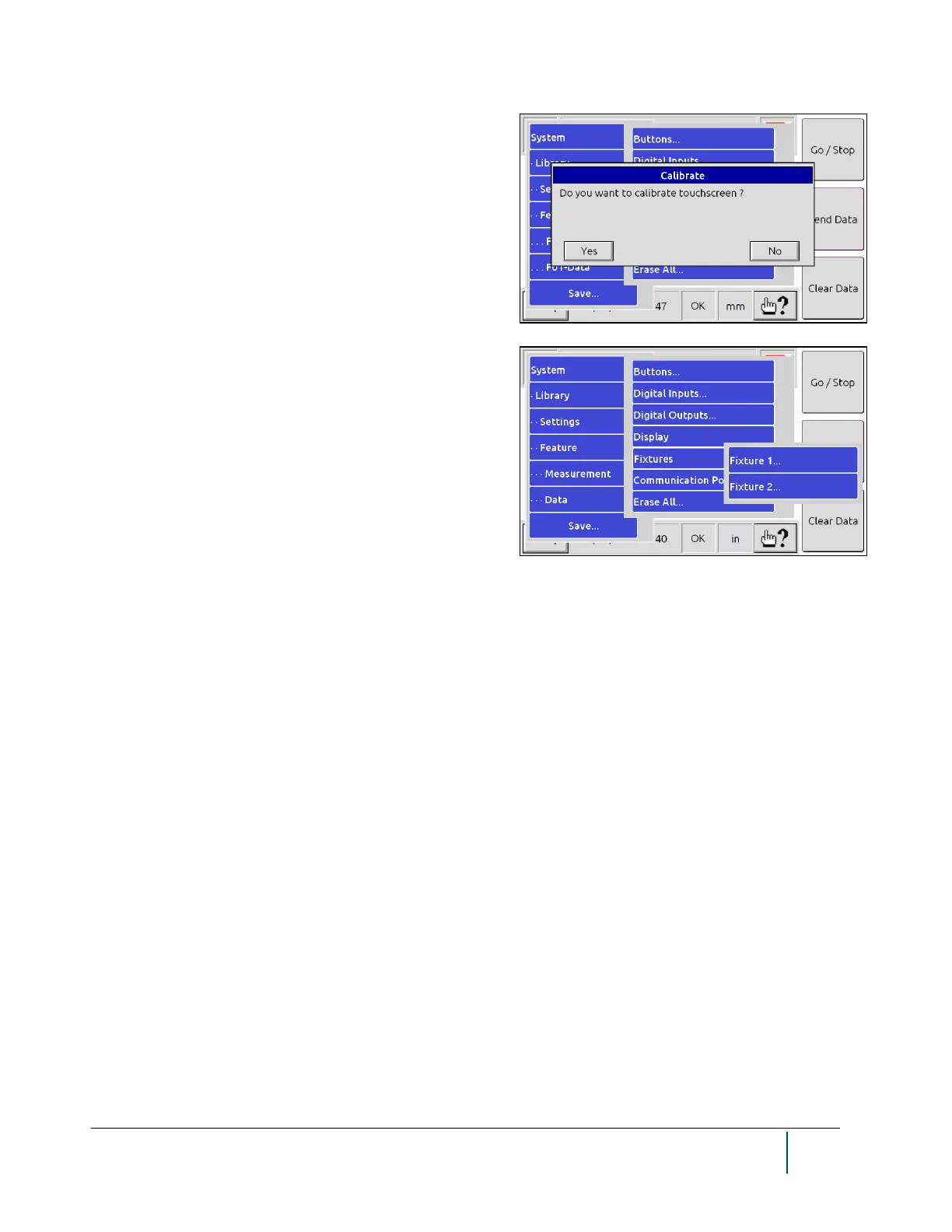
The Display Setup page allows you calibrate the touch
screen.
The Fixture Menu allows you to define the physical attrib-
utes of a custom fixture. Note that some fixtures appear to
the BenchMike Pro to be two fixtures (as shown), typically as
a fixture for each axis of measurement. For example, a linear
slide with a rotary chuck will be displayed as two fixtures.
When an Intelligent Fixture is in use, you will be unable to change the Fixture Configuration. Settings will be dis-
played in read-only mode.



 To Next Page