4-40 BenchMike Pro 2025/2050 & Z-Mike Pro 4025/4050 Instruction Handbook: Setup
Press the Diagnose button to view this page. It graphically
shows the position of the product in the scanning laser beam.
This page is used to verify that the product is positioned
properly within the beam.
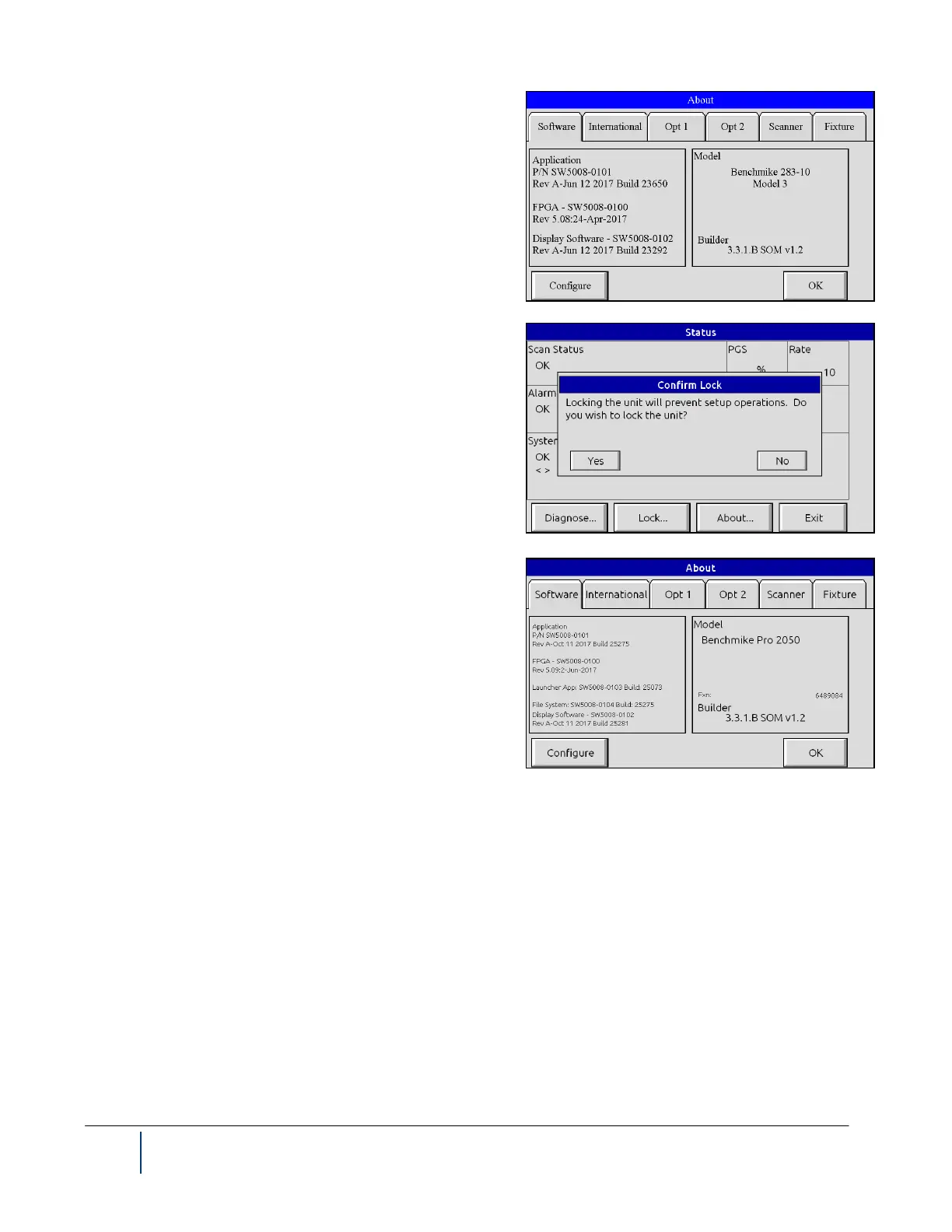
When you press the Lock button on the Status menu, you will
be asked to confirm that you wish to lock the BenchMike Pro.
Locking the BenchMike Pro secures all setup parameters so
that they cannot be inadvertently changed.
Once the BenchMike Pro has been locked, you must enter the
password to unlock the BenchMike Pro. Press the Unlock but-
ton from the Status menu, and enter the password. The facto-
ry-defined password is 000000.
The About page allows you to view the current software revi-
sion for your BenchMike Pro. This information is helpful when
speaking to Customer Service personnel about a problem.
The Configure button allows you to control system parameters such as security, user interface settings, and
scanner configuration. Revision information about a NDC Technologies Intelligent Fixture is also available from
the Fixture tab, if an Intelligent Fixture is in use.



 To Next Page