72
Adjust Screen
Effect
(Advanced User)
Enable/Disable 18-bit mode and ClearView
mode.
Register the display screen to NovaCare.
View correction coefficients of the Receiving
card and module.
Save correction coefficients in the Receiving
card and module.
Test whether Flash is normal.
Receiving Card
Relay
(Advanced User)
Set parameters for the Receiving card relay.
Reset the time of the Receiving card.
Configure
Information
Management
Import/Export all the configuration files.
The Main Window
Starting Position
Set the initial coordinates.
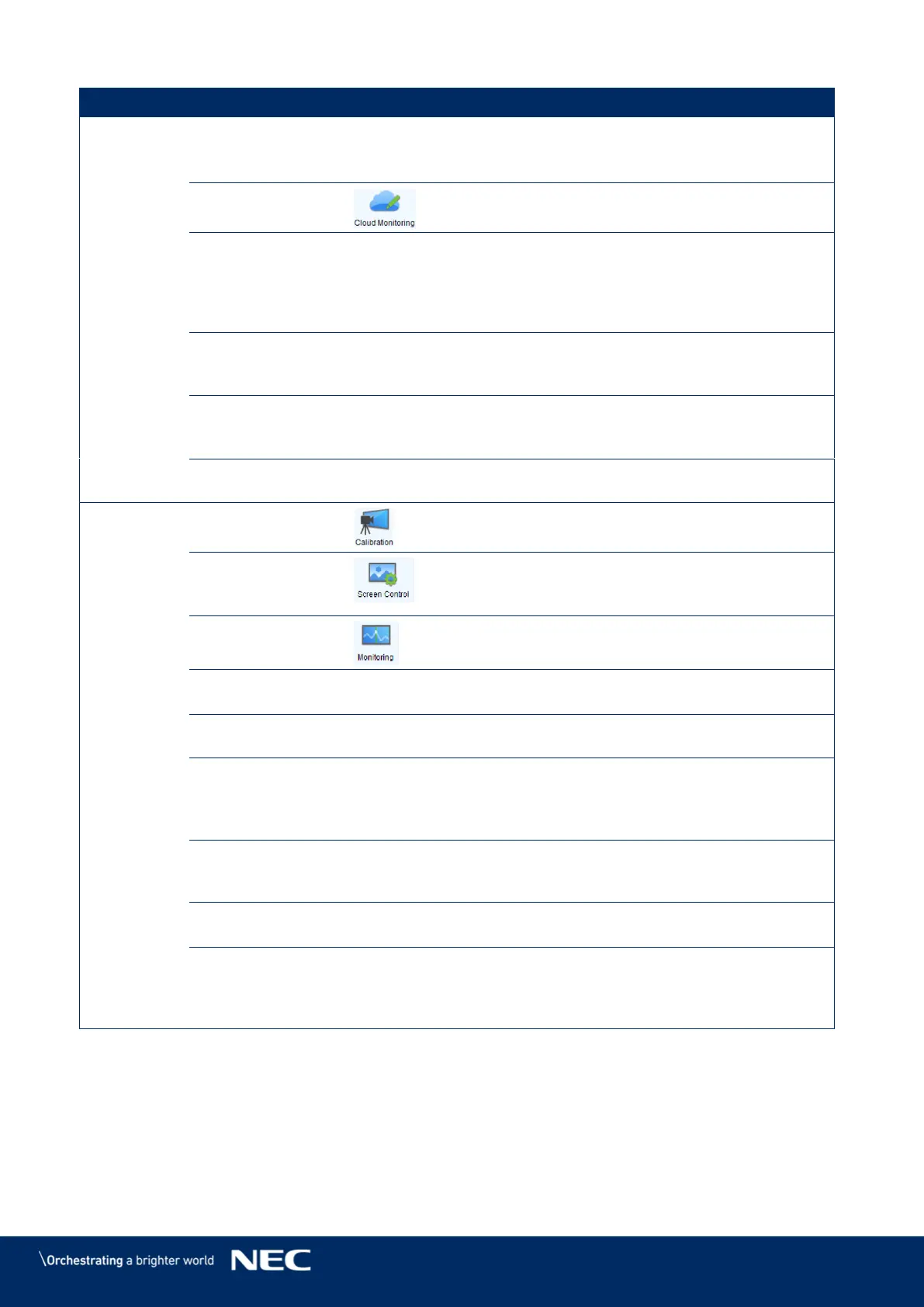
Calibrate the screen and manage the calibration
coefficients.
Perform the screen control functions which
include "Black Out", "Freeze" and "Normal".
Besides, self-test options are also provided.
View the monitoring results or set the
monitoring parameters.
Detect LED errors after the screen has been
properly configured.
Adjust the brightness of the display according
to the batches of cabinet.
Controller
Cabinet
Configuration File
Import
Add/Delete configuration files.
Modify file name.
Save the configuration file in hardware.
Quickly Adjust
Dark or Bright
Lines
Adjust or restore dark or bright lines caused by
cabinet splicing.
Adjust the input setting, output setting and
stitching management of the video processor.
Module ID Setting
(Advanced User)
Perform module ID configuration to make
module management easier. Some modules do
not support ID configuration, please contact
NovaStar’s technicians for details.



 To Next Page