73
Includes "Reset Run Time", "Brighter Pixel
Correction" and "Bite Error Detection".
"Reset Run Time": Reset the run time
displayed on the LCD of each cabinet.
"Brighter Pixel Correction": Correct the
brightness so the calibrated screen is equally
bright.
"Bite Error Detection": Detect the data packet
loss during communication between
Receiving cards.
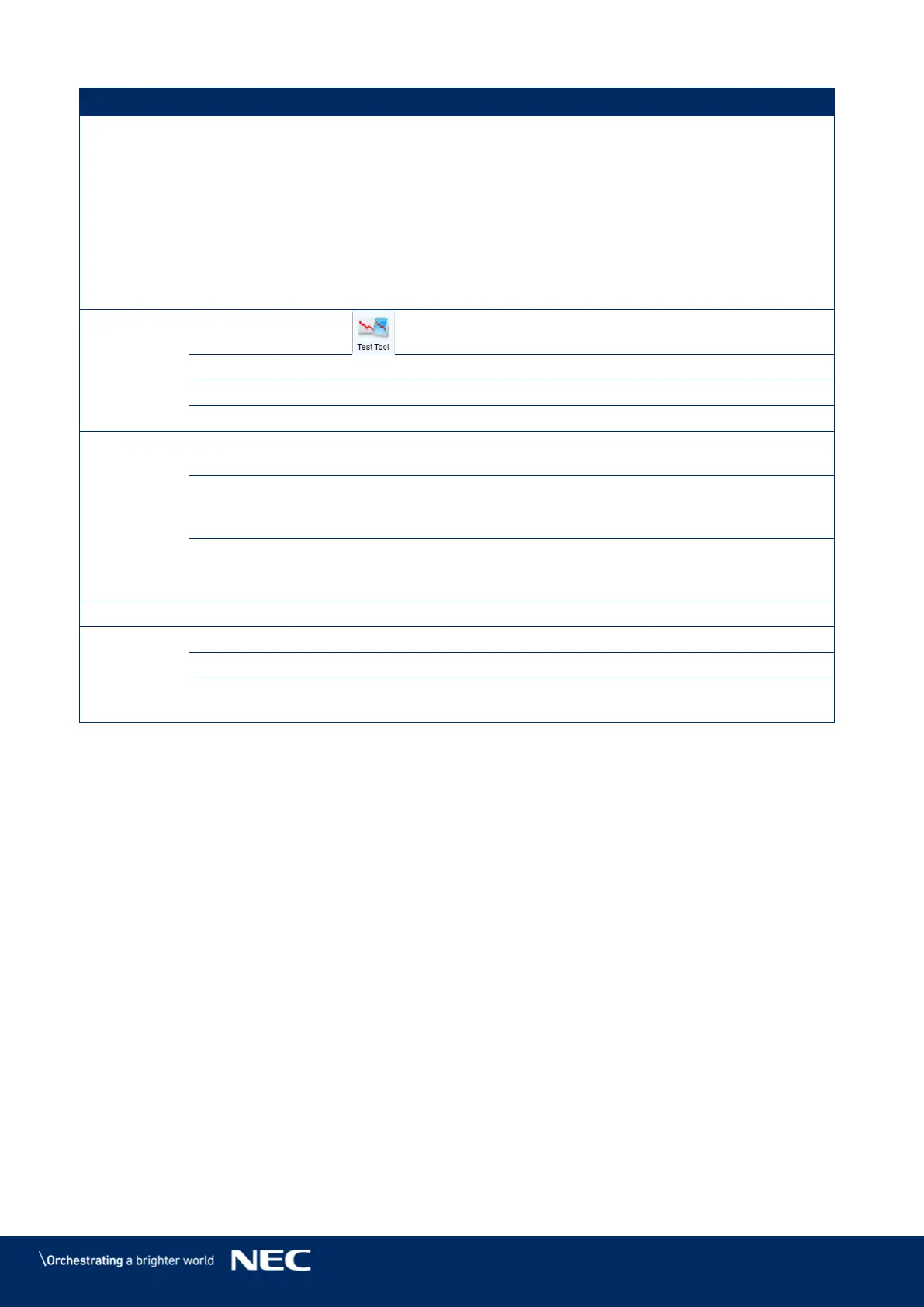
Open all test tools (test content) for LED
displays testing.
Open the Microsoft Windows calculator.
Obtain the IP address assigned by the server.
Log in the synchronous system with the
password "admin".
Experience the related functions of the
synchronous system. No hardware connection
is required. Use the password "admin".
Connect
Asynchronous
Terminal
Log in the multimedia player.
Support multiple user interface languages.
View software-related user documents.
View software update logs.
View software version, company name and
other information.



 To Next Page