INSTALLATION GUIDE
4. PRESENTATION OF THE APPLIANCES
4 PRESENTATION OF THE APPLIANCES
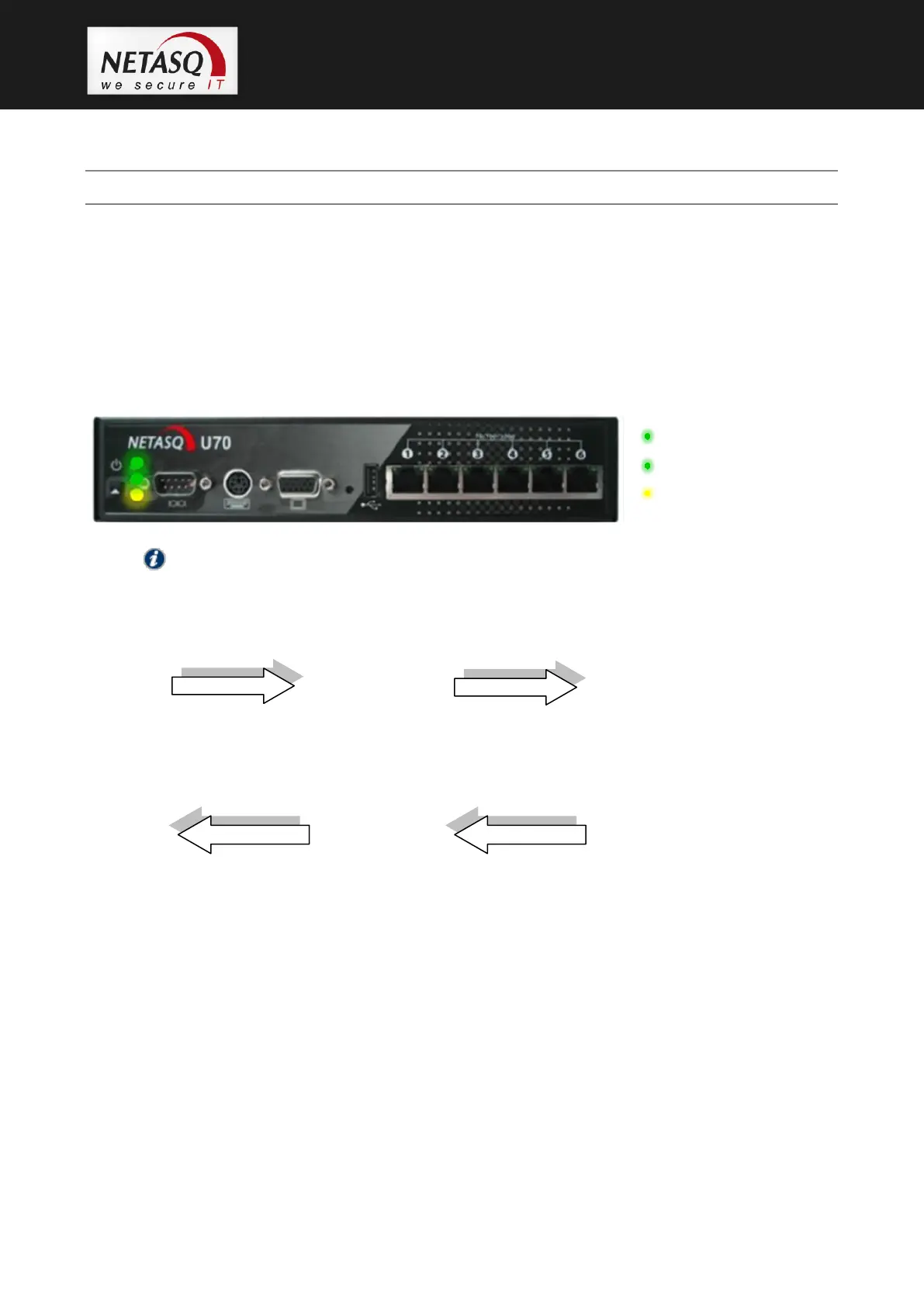
4.1 Front panels of products in the U range
On the various models, the 3 LEDs (from bottom to top) described below will appear on the front
panel:
NOTE
The U6000 appliance has other LEDs that will be covered later in this document.
For all models, upon startup, the LEDs light up in the following order:
Power Status Online
The Power LED will light up first, then Status, then Online. The Online LED, which indicates that
the product is running, will light up after about 2 minutes.
For all models, upon shutdown, the LEDs shut off in the following order:
Power Status Online
The Online LED goes off first, then Status followed by Power.
The connectors on U30, U70, U120, U250 and U450 appliances are located on the front panel.
3. Online LED (green)
2. Status LED (green)
1. Power LED (yellow)



 To Next Page