INSTALLATION GUIDE
APPENDIX C: ADDING AN ADDITIONAL U6000
NETWORK CARD
4 SX fiber optic ports, LC connector
4 LX fiber optic ports, LC connector
PCI-X card
2 copper gigabit ports
4 copper gigabit ports
6 copper gigabit ports
2 fiber optic gigabit ports SX adapter, LC connector
2 fiber optic gigabit ports: LX adapter, LC connector
Steps to follow
Introduction
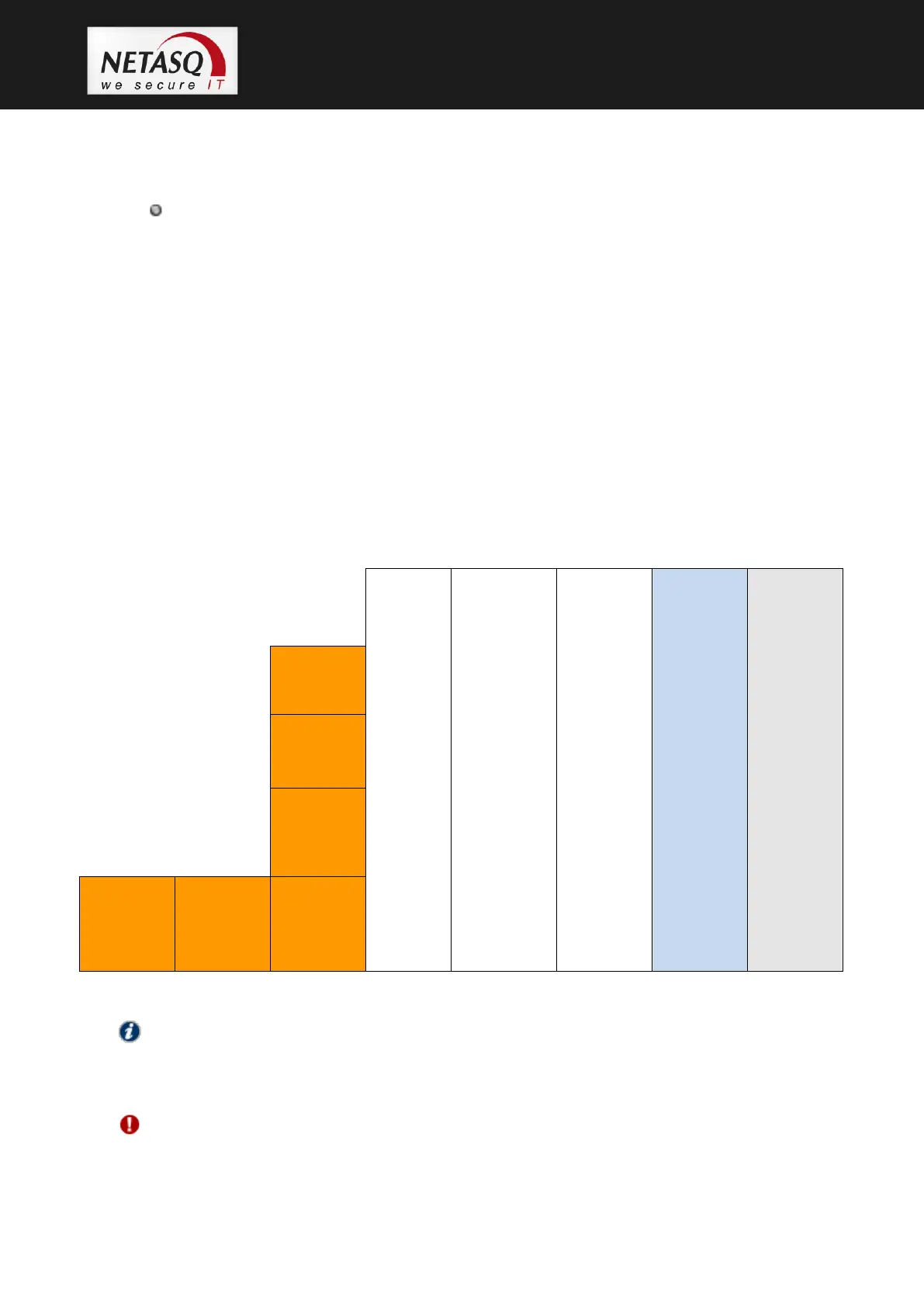
The U6000 appliance has 6 gigabit network ports by default and 3 slots that allow for the insertion
of additional network cards. The initial order of the ports is as follows:
NOTE
- The QUAD Gigabits card (slot 3) specifies the first few ports on the product.
- The terms PCI-E and PCI-X refer to the bus technology on the slot. It therefore has to be
conformed with in order to add adapted cards to the right slots. (PCI-E PCI express).
WARNING
The QUAD card has to be kept in its original location regardless of which additional network
cards have been added.



 To Next Page