INSTALLATION GUIDE
5. CONNECTIONS
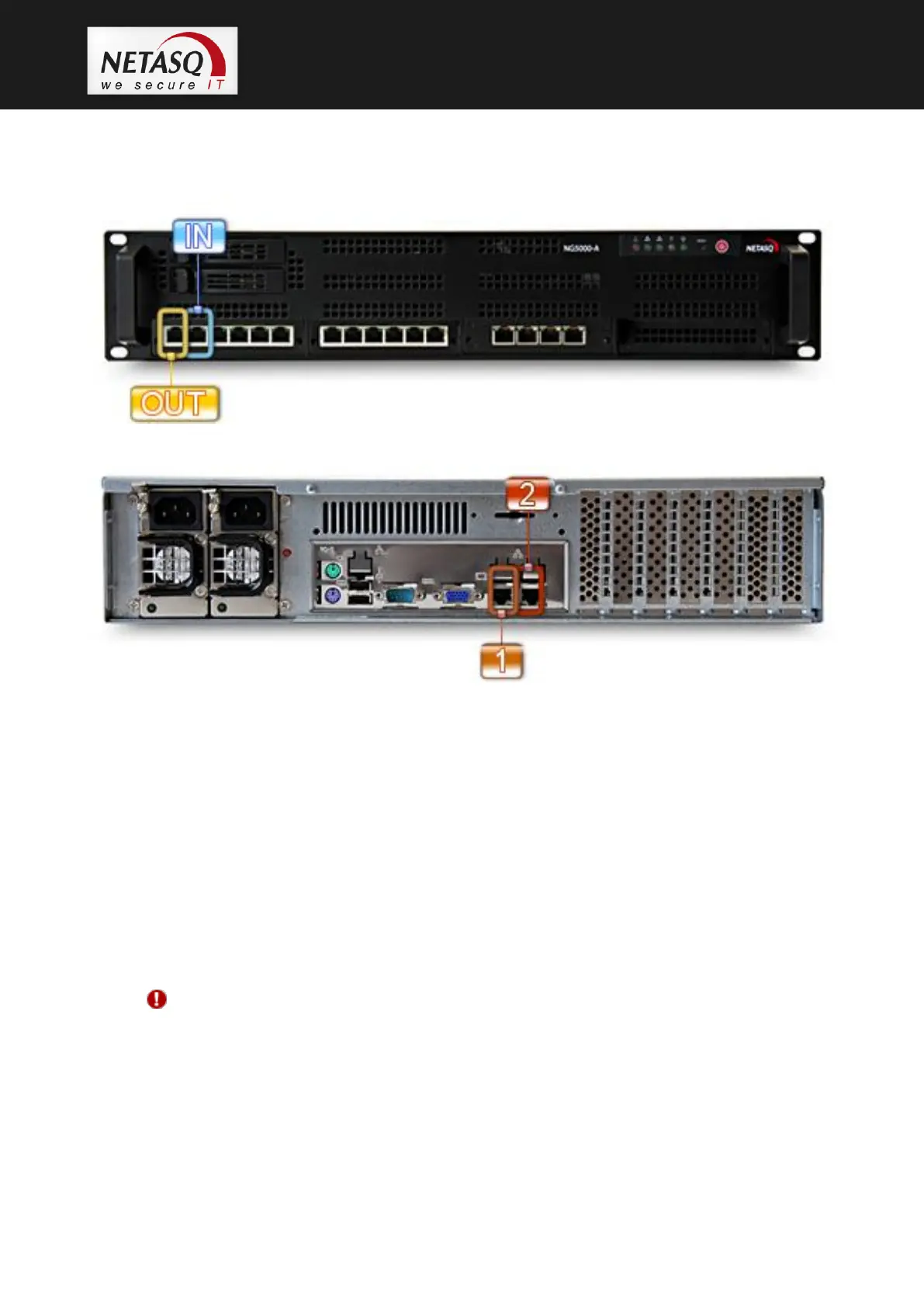
5.4.10 NG5000-A
Figure 17: NG5000-A interfaces on the front panel
Figure 18: NG5000-A administration interfaces at the back
5.4.11 Using a straight cable
A straight cable has to be used between a firewall and a hub, a switch or certain modems
(depending on the type of modem, a straight or a crossover cable will be necessary).
5.4.12 Using a crossover cable (cable provided with the product)
A crossover cable has to be used for connecting the firewall to an active network element (router,
firewall, PC, certain modems, etc).
WARNING
Certain routers have built-in hubs. In this case, you will need to use a straight cable.



 To Next Page