INSTALLATION GUIDE
APPENDIX A: UPDATING THE LICENSE
APPENDIX A: UPDATING THE LICENSE
Your appliance is delivered with a temporary license, you therefore need to update it.
NOTE
The license update step is shown in the installation wizard (CD-ROM).
Once you have acquired an additional network card, you will need to update your product with the license
that will allow you to use this card.
WARNING
The NETASQ appliance has to be rebooted when a new license is activated on it.
Please refer to the procedure below to find out how to update your product license:
Retrieving the license
Step 1: Go to NETASQ’s website at www.netasq.com
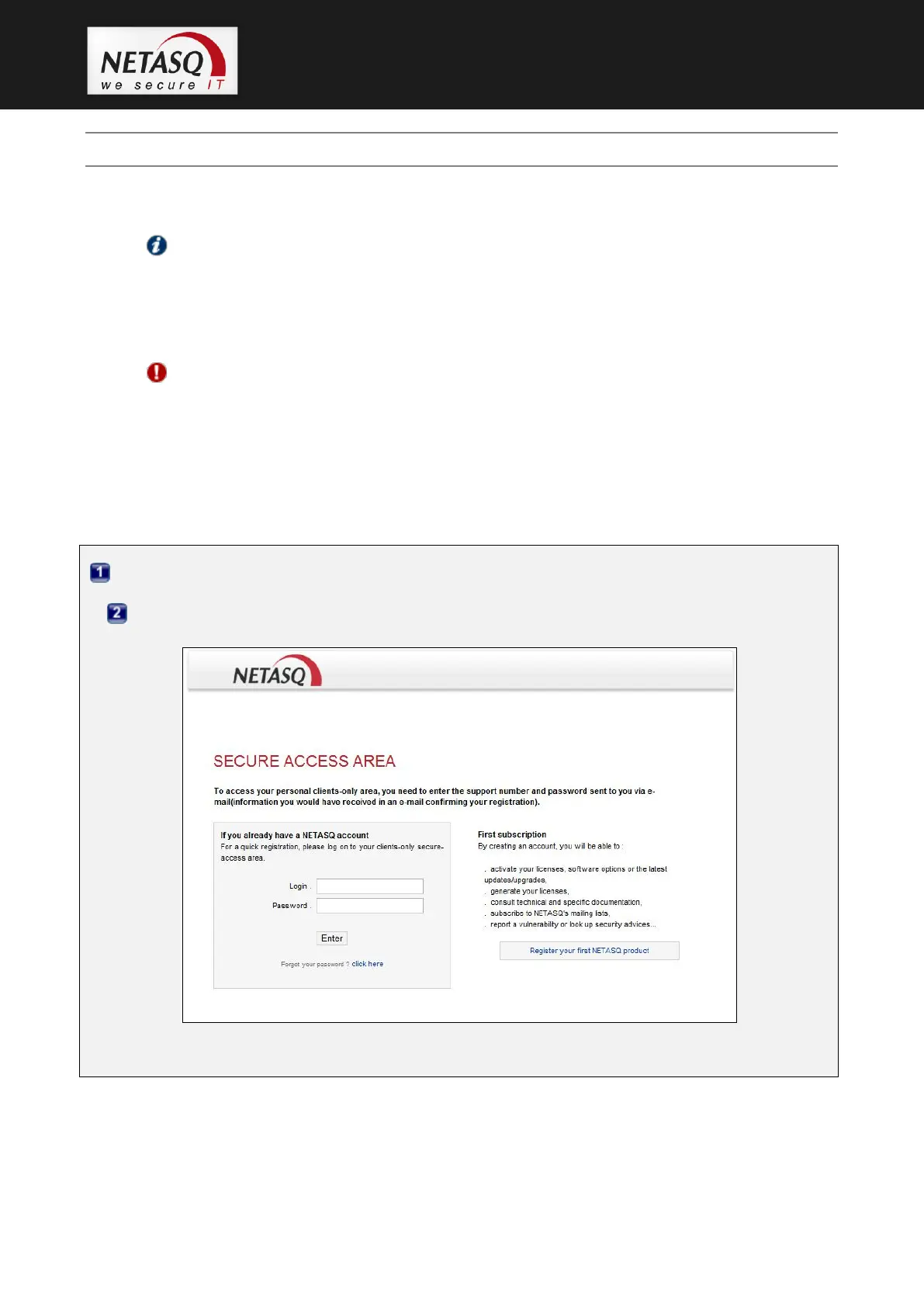
Step 2: Go to the menu CLIENTS-PARTNERS\Secure-Access Areas. The following screen will
appear:
Enter your login and password then confirm. The client secure-access area homepage will appear.



 To Next Page