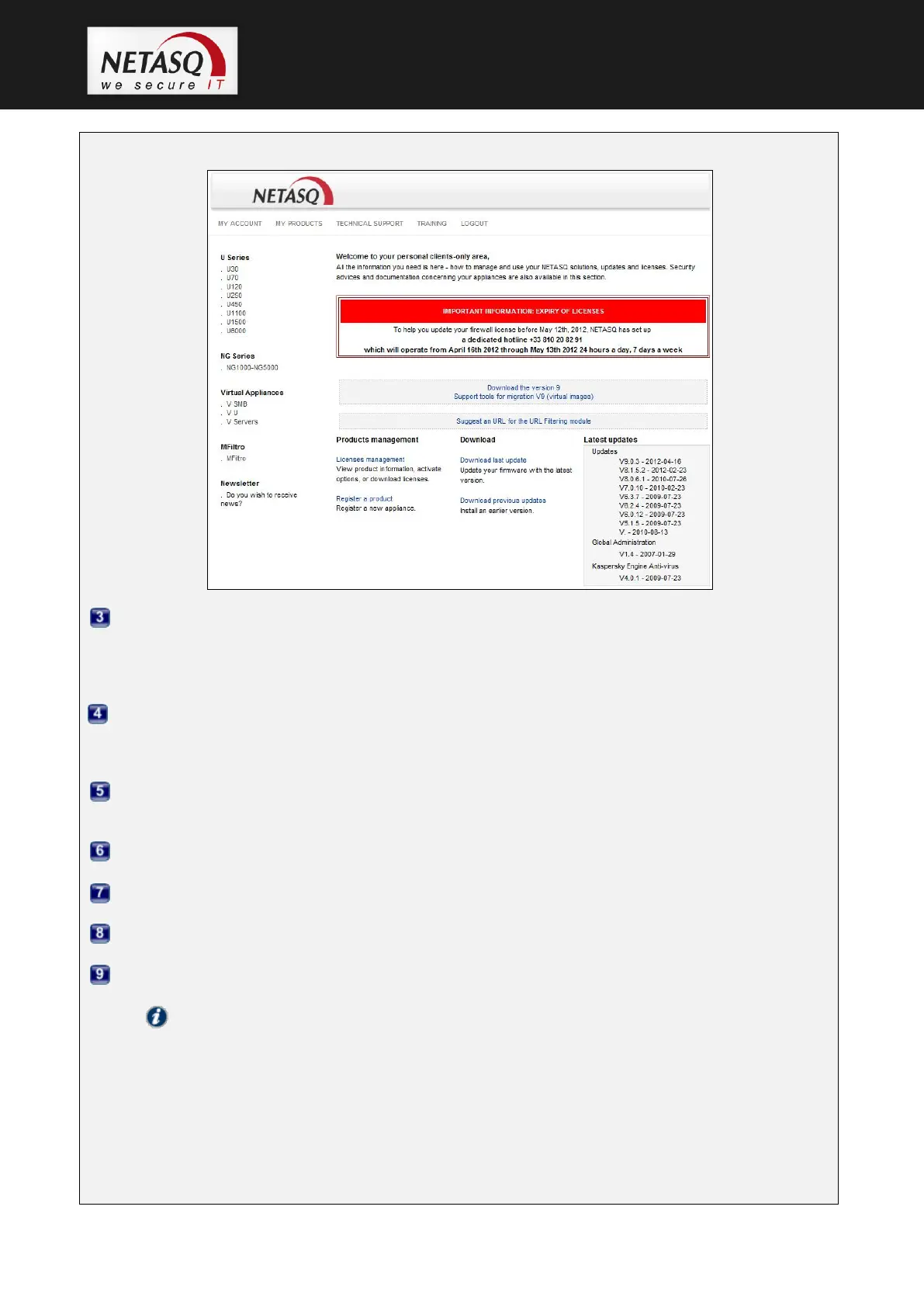
Step 3:
Click on “License mangement”.
You will then see a list of all the NETASQ UTM products registered in this area.
Select the product for which you wish to retrieve the license, by clicking on the product’s serial number.
Details of the license will be displayed.
Five tabs will provide details on the license. The General tab will open by default.
Go to the Details tab to check that the license to be downloaded from the website has indeed the
option that will activate the new network ports that you will be able to activate subsequently.
Next, go to the General tab and look for the section “License download”.
First, select the major version of your UTM product.
Select the minor version.
Click on the Download button.
Note
Before you download the license, you will need to know your product’s version. If you do not know
it, it is indicated on a label affixed to the product’s cardboard packaging. If you no longer have the
packaging, or if you have since updated your product, connect to your NETASQ UTM product via
NETASQ UNIFIED MANAGER. The product’s version will be indicated in the main window in the
section “General information”
> NSBSD Version”.



 To Next Page