Download the new license that enables the activation of the RAID 1 feature from NETASQ’s
website.
Install the license using NETASQ UNIFIED MANAGER.
NETASQ UNIFIED MANAGER will reboot the firewall.
Once the NG1000-A firewall has rebooted, connect in console mode (keyboard + monitor) in
order to activate the RAID 1, then enter the command “nraid –c”. The NG1000-A will display the
following:
>nraid -c
Raid created
The Firewall needs to reboot !!!
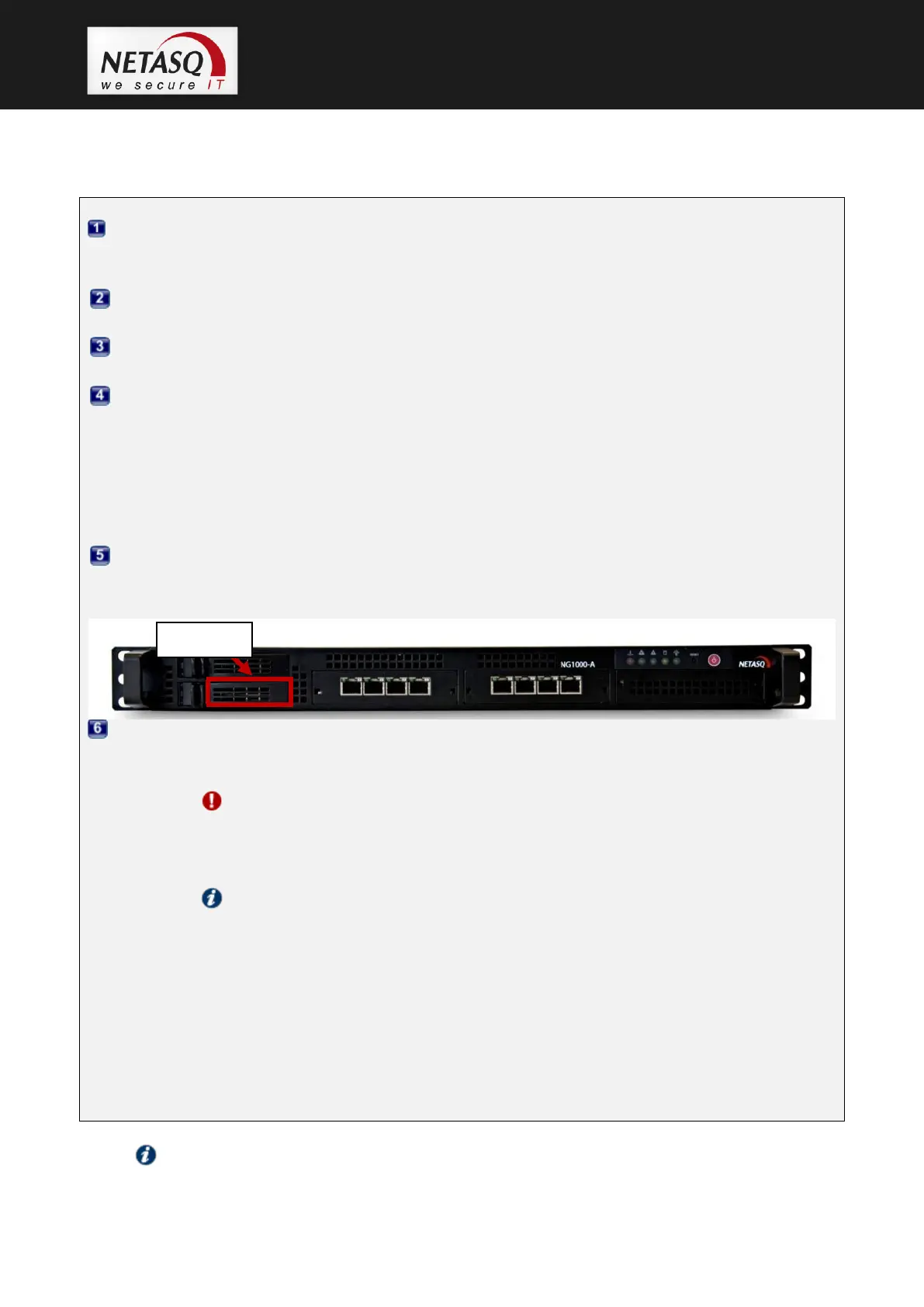
Insert the hard disk in the top rack, as shown in the screenshot below, then enter the command
“reboot” to reboot the NETASQ firewall.
Once the NG1000-A firewall has rebooted, the RAID needs to be built, meaning the data from
the standard hard disk has to be duplicated to the RAID 1. To do so, enter the command “nraid -r
–w”.
WARNING
The duration of executing the construction of the RAID 1 will vary according to the
amount of data on the standard hard disk and may take from several minutes to an
hour.
NOTE
The firewall may be used during the construction of the RAID 1 but its performance
will of course be below its usual capacity.
During the construction of the disk, the NG1000-A will display the following:
>nraid -r –w
Disk ad1 inserted in RAID
Rebuild in progress: 0% ...
Once the RAID 1 has been built, the NG1000-A will display:... 79% ... 88% ... 96% ...
... Done



 To Next Page