View alerts from your mobile
hotspot
Your mobile hotspot displays alerts on the LCD screen to inform you of device status
changes. Alerts display as long as the cause of the alert is present. When the cause of
an alert is resolved, the corresponding alert is removed automatically.
To view alerts from your mobile hotspot:
1. Quickly press and release the Power button to wake your mobile hotspot.
The lock screen displays.
2. Swipe up to unlock your mobile hotspot.
If any alerts are active, your mobile hotspot displays them.
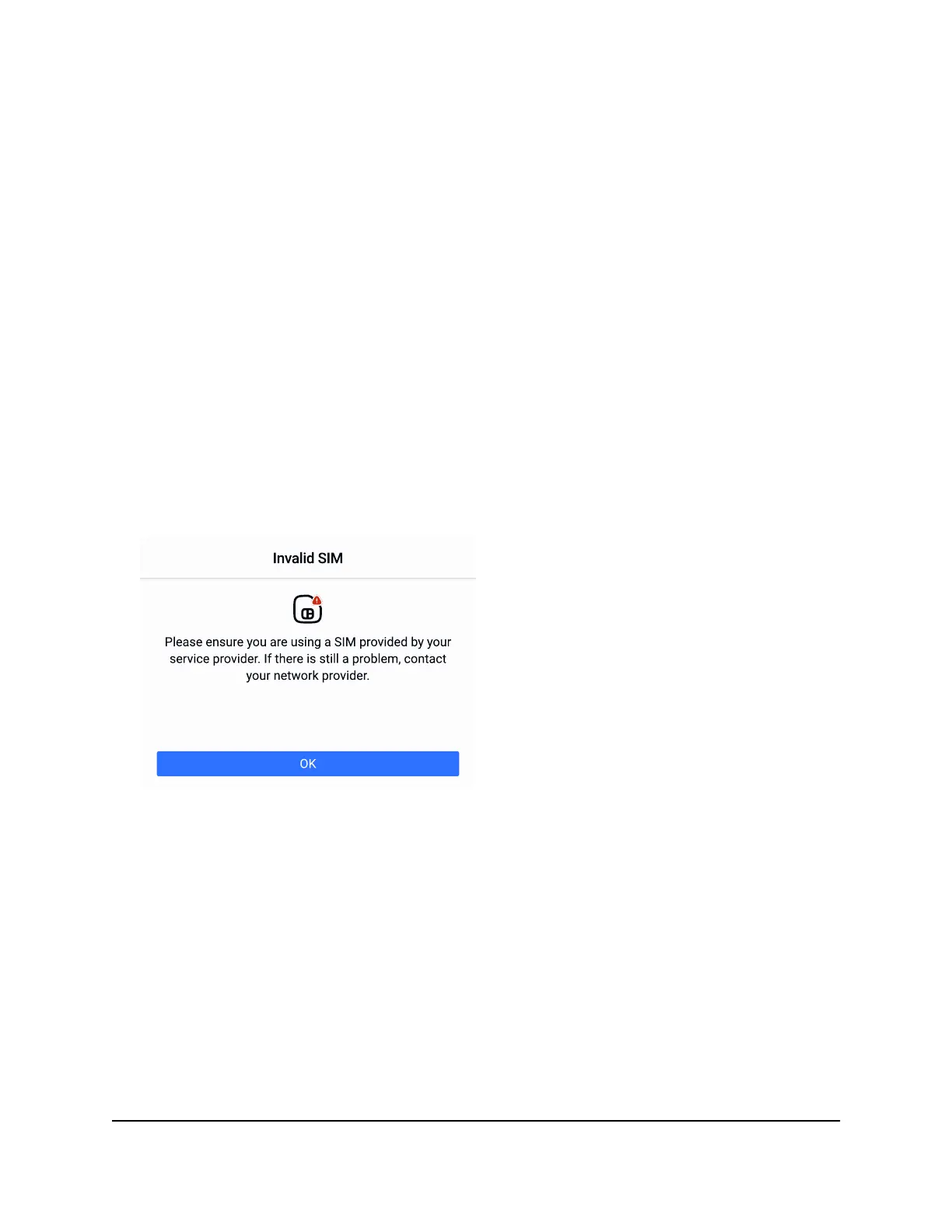
For example, if your hotspot is detecting an invalid SIM card, the following alert
appears:
Figure 11. Nighthawk M7 SIM error
User Manual25View alerts, SMS messages, and
usage information
Nighthawk M7 Pro













 To Next Page