View data usage from your mobile
hotspot
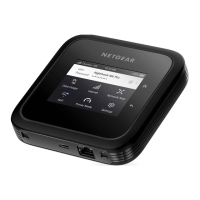
Your mobile hotspot displays the amount of data that you have used and the days
remaining in your monthly billing cycle on the lock screen. You can also view your data
usage and reset the counter from the touch screen.
To view data usage from your mobile hotspot:
1. Quickly press and release the Power button to wake your mobile hotspot.
The lock screen displays your data usage and days remaining.
2. Swipe up to unlock your mobile hotspot.
The home screen displays.
3. Tap Settings > More > Data Usage.
Your data usage displays.
User Manual30View alerts, SMS messages, and
usage information
Nighthawk M7 Pro













 To Next Page