A list of received SMS messages displays.
4. Tap a message to read the full text.
Delete an SMS message from your
mobile hotspot
You can delete SMS messages from your mobile hotspot when you are done reading
them.
To delete an SMS message from your mobile hotspot:
1. Quickly press and release the Power button to wake your mobile hotspot.
The lock screen displays.
2. Swipe up to unlock your mobile hotspot.
The home screen displays.
3. Tap Messages.
A list of received SMS messages displays.
4. Tap a message.
The full text displays.
5. Tap Delete.
The message is deleted.
6. (Optional) To delete all messages, tap Delete All.
All messages are deleted.
View a list of connected devices
In addition to the network map of connected devices, you can also view a basic list of
connected devices.
To view a list of connected devices:
1. Quickly press and release the Power button to wake your mobile hotspot.
The lock screen displays.
2. Swipe up to unlock your mobile hotspot.
User Manual27View alerts, SMS messages, and
usage information
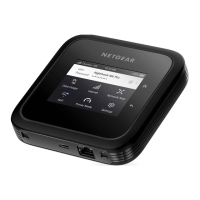
Nighthawk M7 Pro













 To Next Page