OM Series IP Telephony System Administrator Manual
www.newrocktech.com 3-5
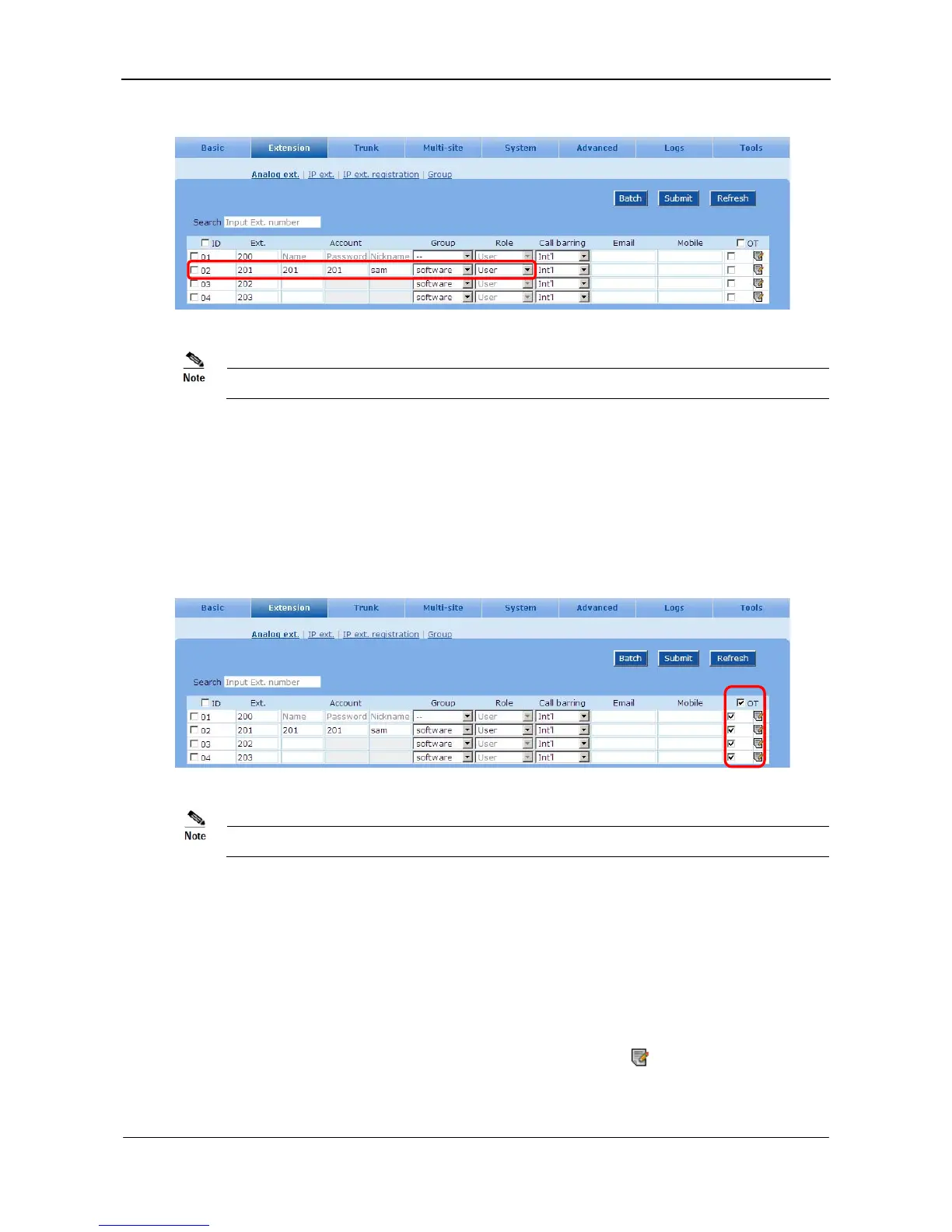
Figure 3-7 Soft attendant console setting interface
The soft attendant console is a Windows-based software provided by New Rock.
3.7 Transferring an Incoming Call to an External Party
An incoming call is allowed to be transferred to an external party.
Go to the Extension > Analog ext. page to select OT. See Figure 3-8.
Figure 3-8 Outbound transfer setting interface
During an outbound transfer, two lines are used.
3.8 Other Features
The device provides dozens of features for extension users, such as call forwarding, speed dialing, color
ring back tone, call forking, recording and etc. Some of the features are enabled as factory default and
others need to be enabled by the administrator as shown in below.
Go to the Extension > Analog ext. /IP ext. page and click the icon
to set up other features of
extension.



 To Next Page