Administrator Manual OM Series IP Telephony System
7-2 www.newrocktech.com
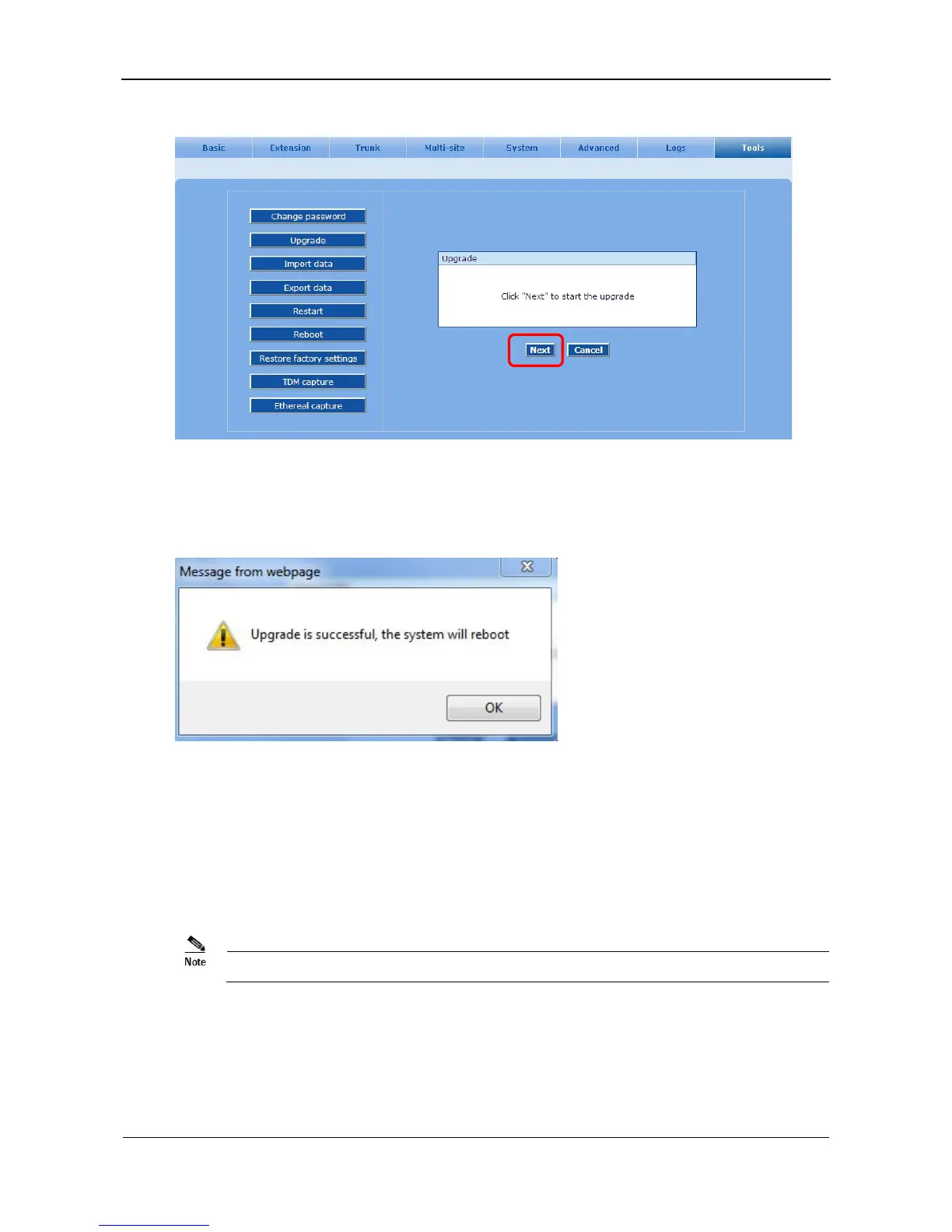
Figure 7-2 Interface of upgrade firmware
Step5 When the prompt Upgrade is successful, the system will reboot is shown up, click OK to finish
the process of upgrade.
Figure 7-3 Firmware upgrading interface
7.2 System Reboot
Step1 Go to the Tools > Restart page, seen in Figure 7-4.
Step2 Click OK to restart the system.
It takes around two minutes to restart the system.



 To Next Page