OM Series IP Telephony System Administrator Manual
www.newrocktech.com 8-3
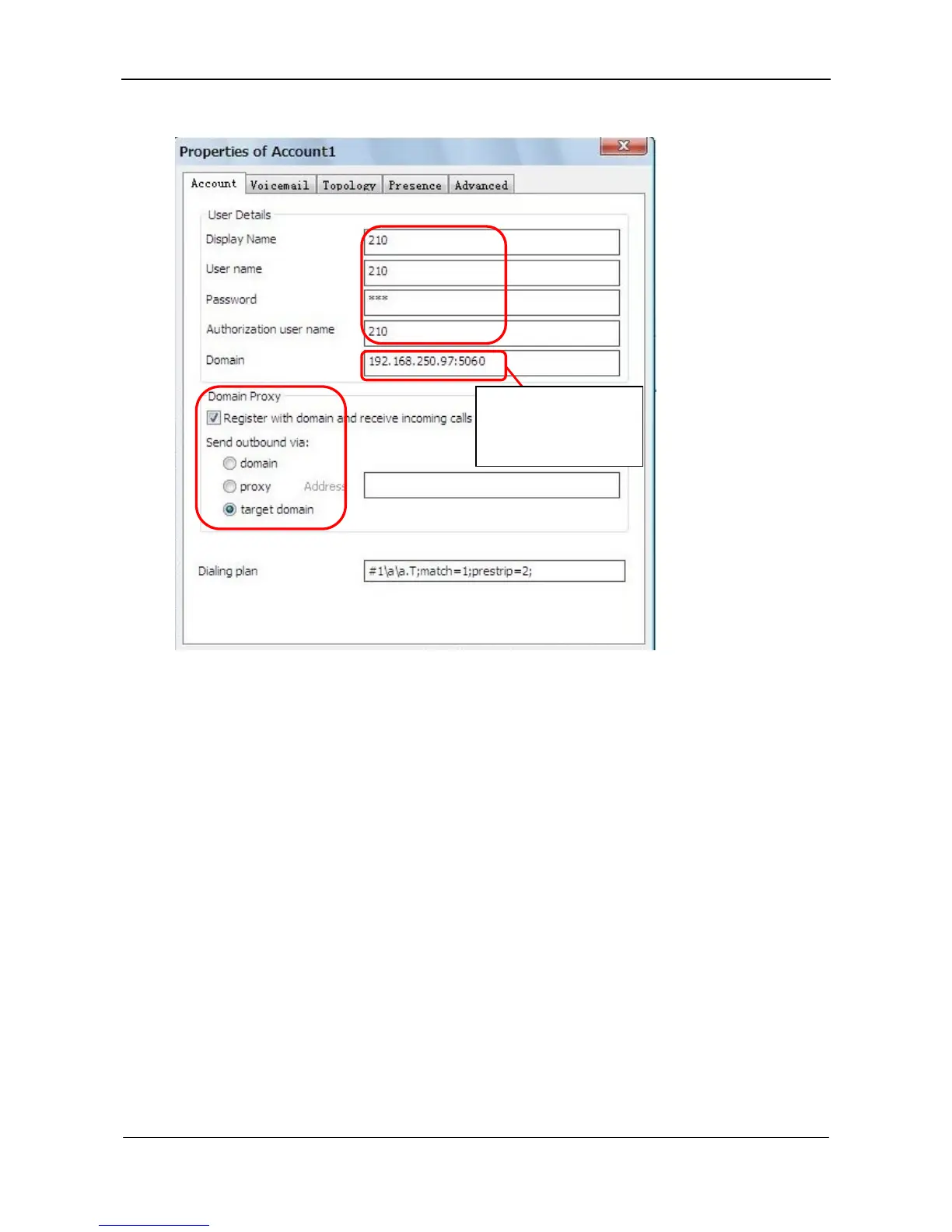
Figure 8-3 X-Lite registration interface
8.2 SIP Phone
Take a SIP phone from Escene Communication as an example to illustrate the setting steps.
Step1 Assign extension number
Go to the Extension > IP ext. page to enter extension number and registration password. See
Figure 8-1.
Step2 Configure SIP phone
Enter IP address of SIP phone to login the configuration interface.
Input the IP address of
OM followed by default
port number 5060.



 To Next Page