OM Series IP Telephony System Administrator Manual
www.newrocktech.com 4-1
4 Trunk
4.1 Direct Inward Dialing (DID)
An extension can be bundled with a trunk line which is associated with a public phone number, and the
device forwards the incoming call to the phone number to the corresponding extension.
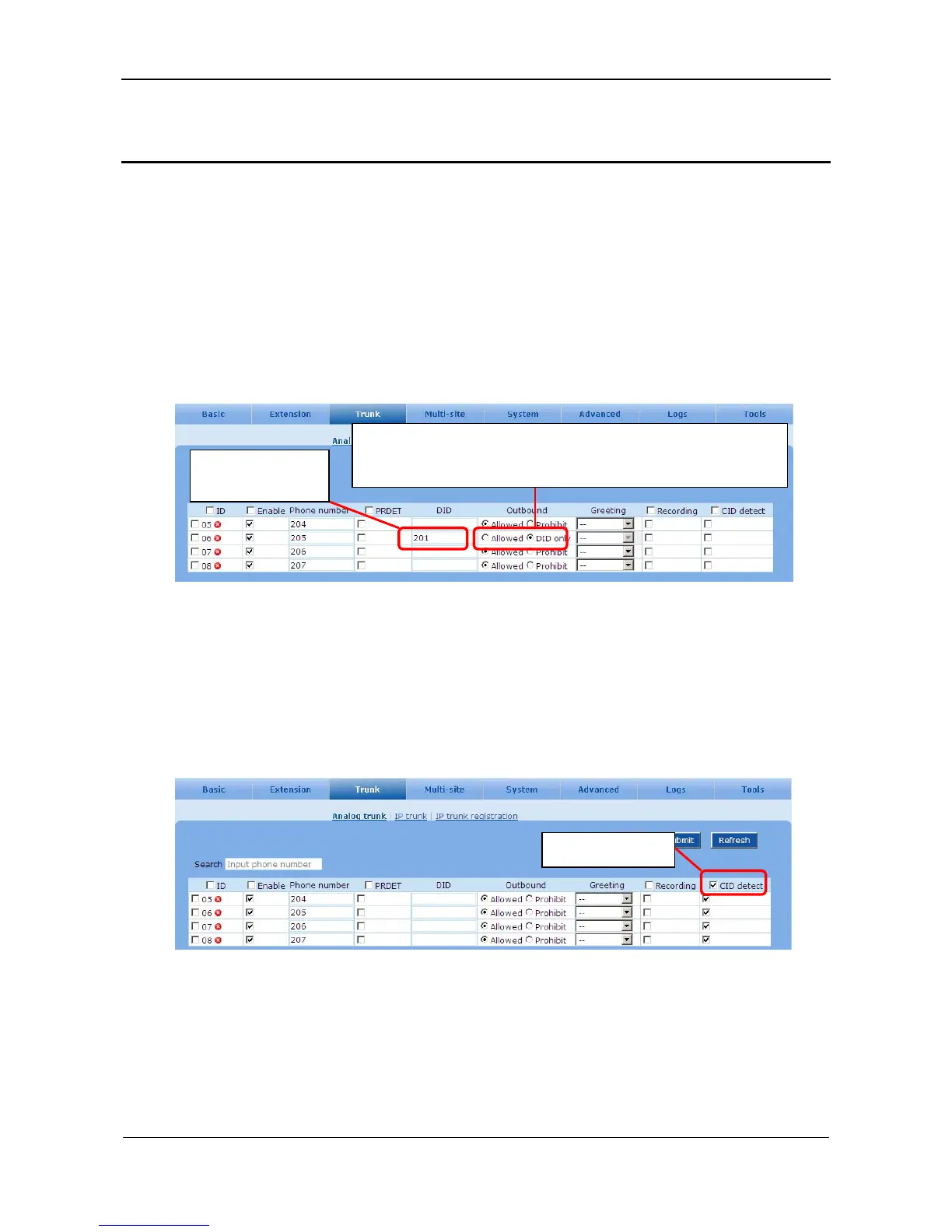
Go to the Trunk > Analog trunk page. See Figure 4-1.
Figure 4-1 DID interface
4.2 Caller ID Detection on Line Port
Step1 Enable the caller ID detection feature.
Go to the Trunk > Analog trunk page to enable caller ID detection.
Figure 4-2 CID detect setting interface 1
Step2 Select caller ID standard.
Go to the System > Trunk page to configure Caller ID detection mode.
Enter the extension
numbe
.
DID only: only the extension can make outbound calls over the trunk.
Allowed: other extensions can make outbound calls over the trunk.
Select CID detect.



 To Next Page