OM Series IP Telephony System Administrator Manual
www.newrocktech.com 8-1
8 Appendix:Registering a SIP Terminal to OM
8.1 Softphone
CounterPath’s SIP-based softphone X-Lite 3.0 is used to illustrate the configuration steps.
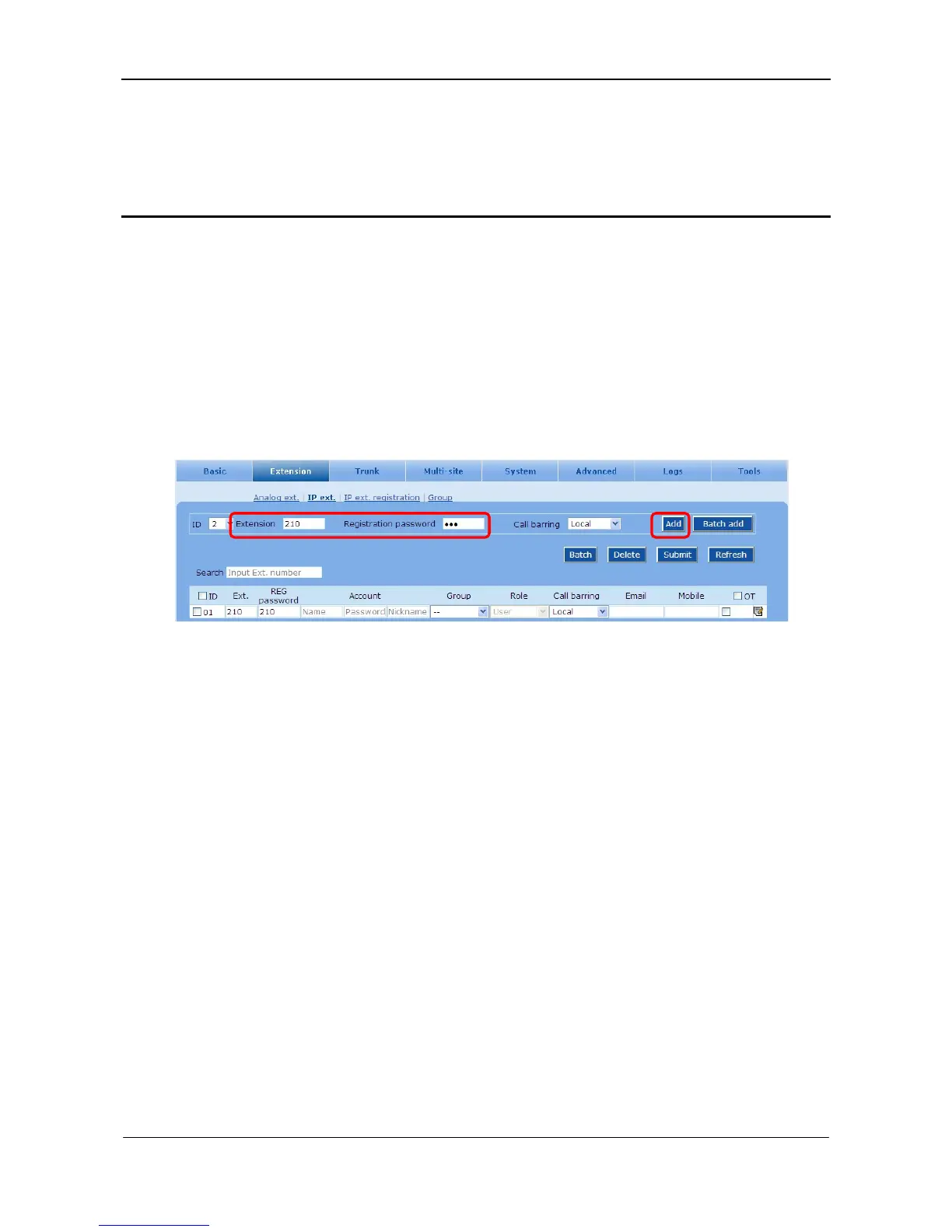
Step1 Create an account for the softphone
Go to the Extension > IP ext. page and enter the extension number and registration password.
Figure 8-1 Account creating interface
Step2 Logon to the Web configuration page of X-Lite
Enter into the SIP configuration page. Click the button Add… popping up an interface of
Properties of Account.



 To Next Page