OM Series IP Telephony System Administrator Manual
www.newrocktech.com 1-1
1 Start
1.1 Logon to the Device
Step1 Connect your PC to the device
Using a CAT5 cable to connect the device to the local network where the PC is connected, or
connect the device directly to the PC.
Step2 Obtain the IP address
Plug an analog phone to one of the Phone ports on the device; pick up the phone and listen to the
announcement after dialing ##.
Step3 Login to the Web utility
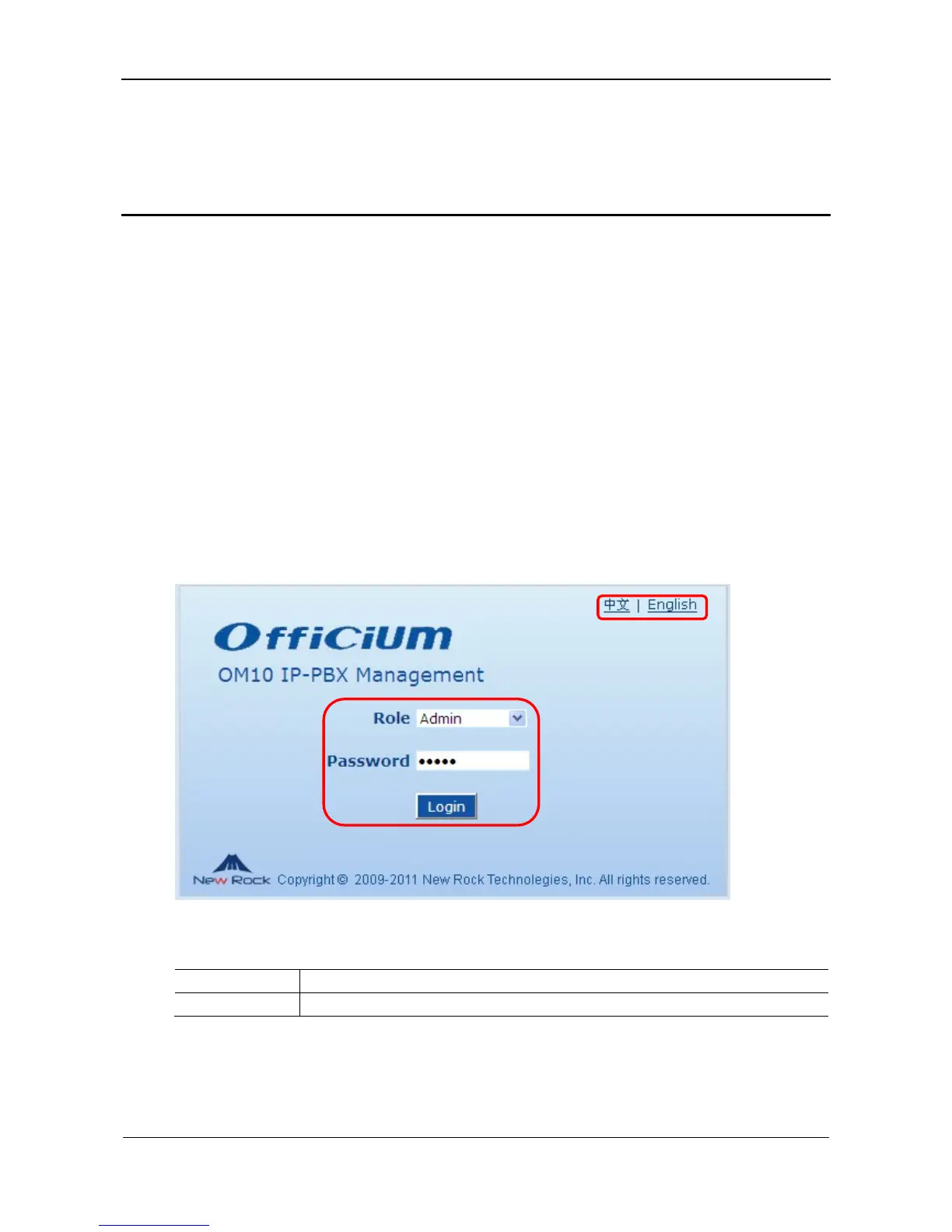
Enter the device IP address in the browser address bar on your PC, and select English on the
logon interface. After entering the password, click Login.
Figure 1-1 Login interface
Table 1-1 Login parameters
Item Description
Language Select a language.



 To Next Page