OM Series IP Telephony System Administrator Manual
www.newrocktech.com 6-5
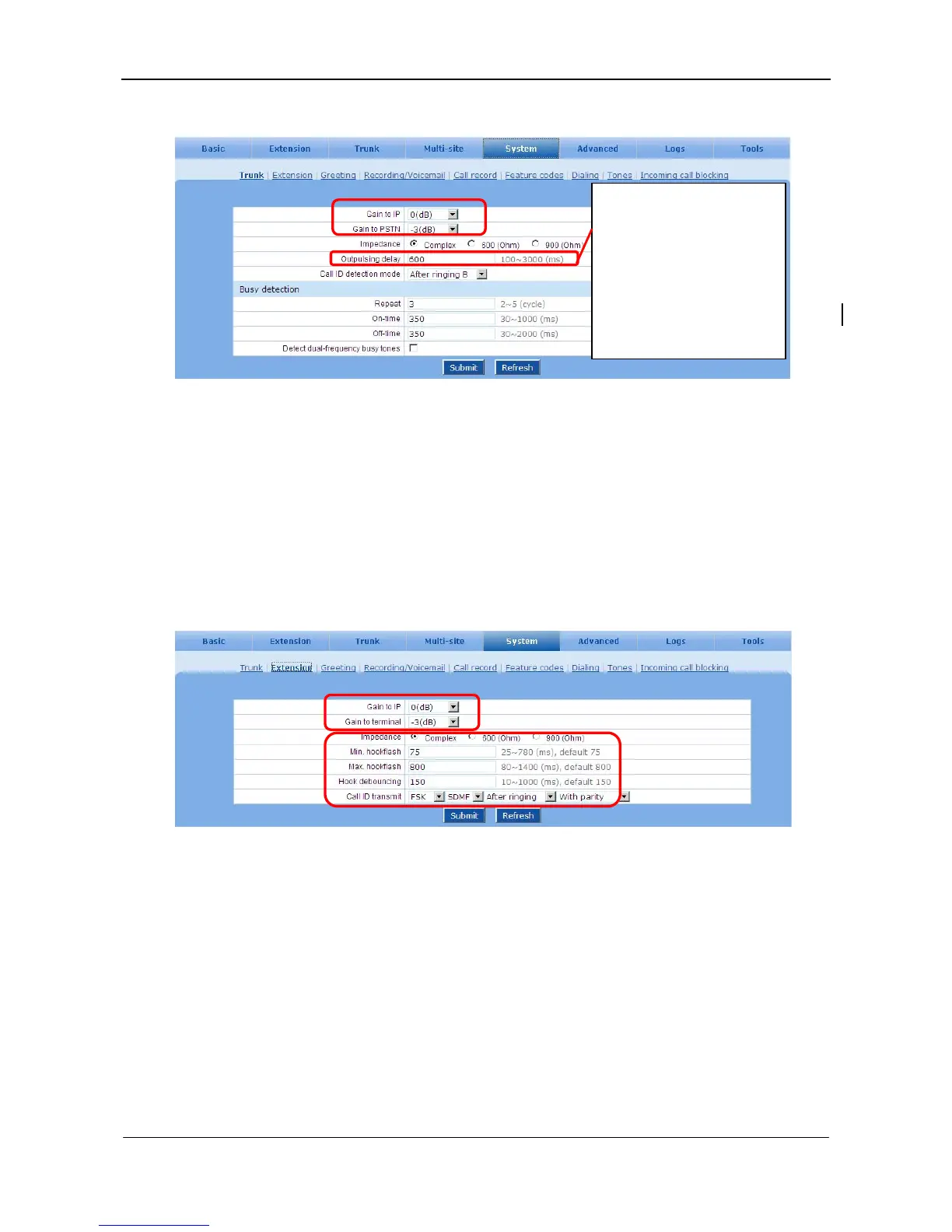
Figure 6-8 Trunk setting interface
6.6 Analog Phone Port Settings
The parameters are provided to have better interconnection with analog phones from different vendors.
There is no need to make changes to the default values, unless there are issues with voice volume,
hook-flash and caller ID sent to the phone.
Go to the System > Extension page to configure related parameters of an analog phone port.
Figure 6-9 Analog phone port setting interface
6.7 DTMF
Go to the Advanced > System page to configure DTMF parameters.
During the process of dialing
out, DTMF out pulsing is
started 600ms after hook-off.
The shorter the delay, the
higher the probability of
missing digits on the CO side
will be.



 To Next Page