Administrator Manual OM Series IP Telephony System
6-2 www.newrocktech.com
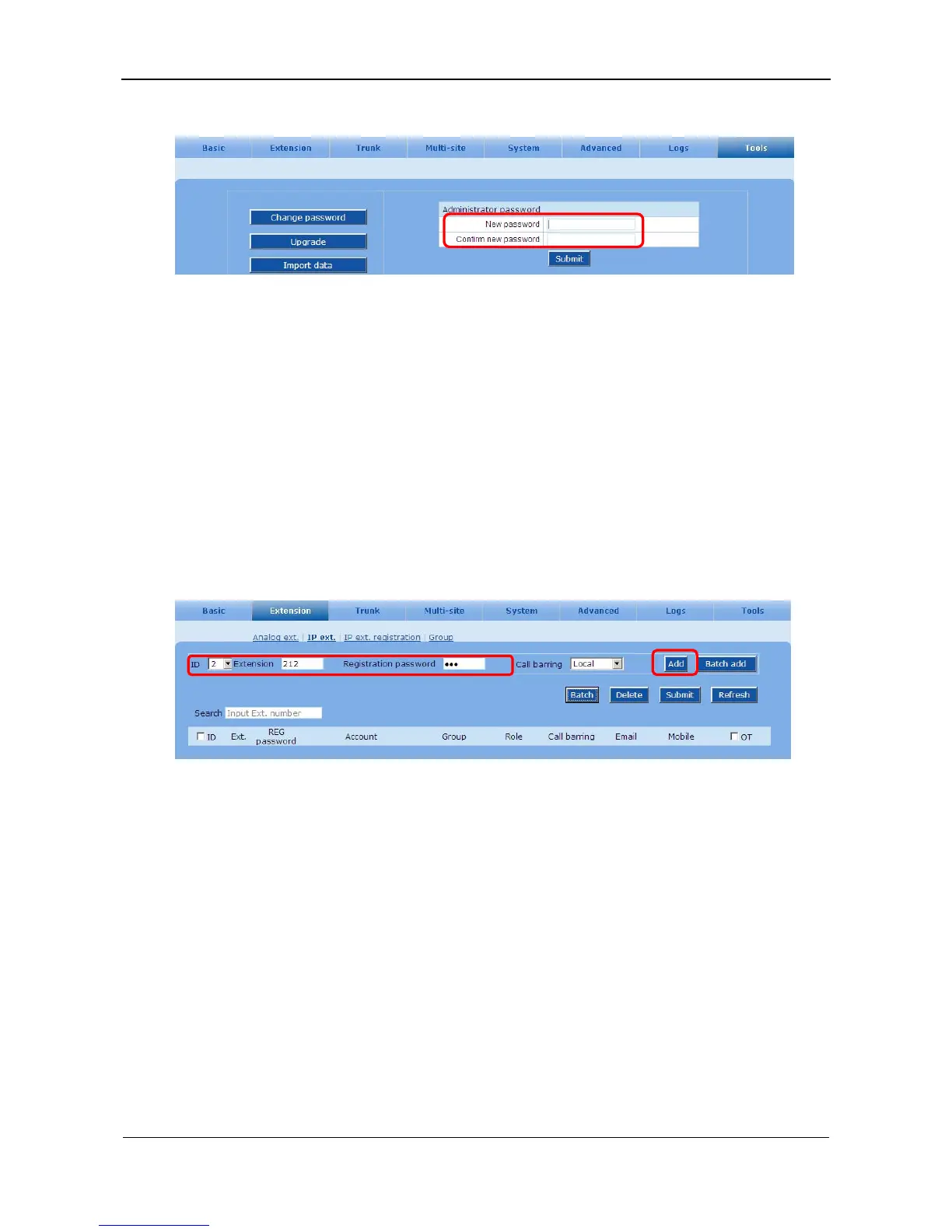
Figure 6-2 Interface of changing password
6.3 SIP Client Account
A SIP based voice terminal can be connected to the device, including softphone and SIP phone. After
registering to the device, the SIP terminals can communicate to other terminals connected to the device,
such as terminals on FXS ports, SIP phones, and remote terminals through analog trunks, tie trunks and
SIP trunks.
A SIP account needs to be set up on the device for each SIP terminals. The device will reject any visit
from a SIP terminal which fails in authentication.
On the Extension > IP ext. interface, click Add to register. See Figure 6-3.
Figure 6-3 IP extension interface
Adding IP extension in bulk
Go to the Extension > IP ext. page, and click Batch add to input relevant information.



 To Next Page