Administrator Manual OM Series IP Telephony System
5-4 www.newrocktech.com
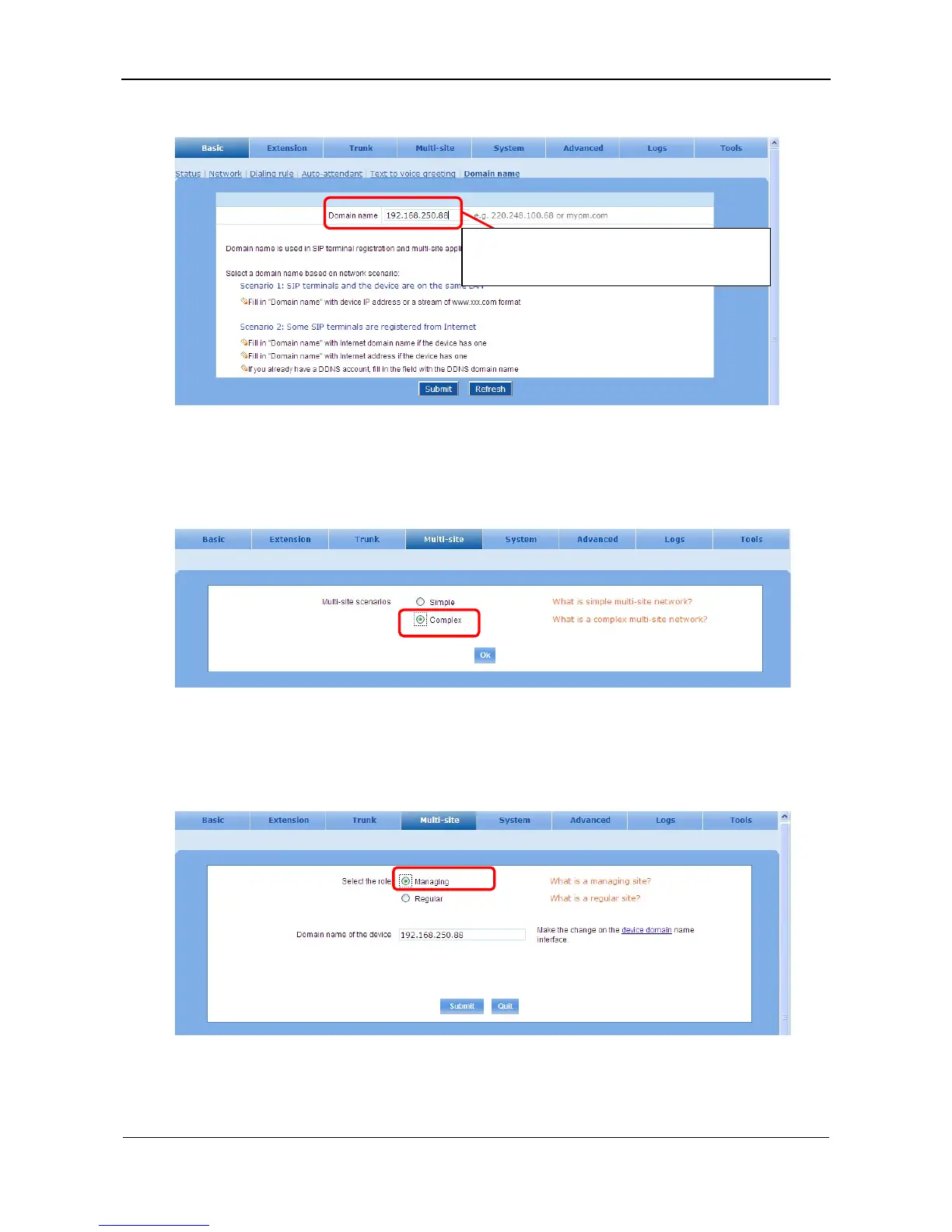
Figure 5-4 Domain name interface
Step2 Select multi-site form
On Multi-site interface, select Complex for Multi-site scenarios, and click OK. See Figure 5-5.
Figure 5-5 Multi-site scenarios setting interface
Step3 Select the role of a managing site
Select Managing as the role and click Submit.
Figure 5-6 Role selecting interface
Step4 Create the device list
Enter into the Add and update sites page. See Figure 5-7.
Enter IP address/domain name of the device. A
static IP address is required for managing site.



 To Next Page