OM Series IP Telephony System Administrator Manual
www.newrocktech.com 7-3
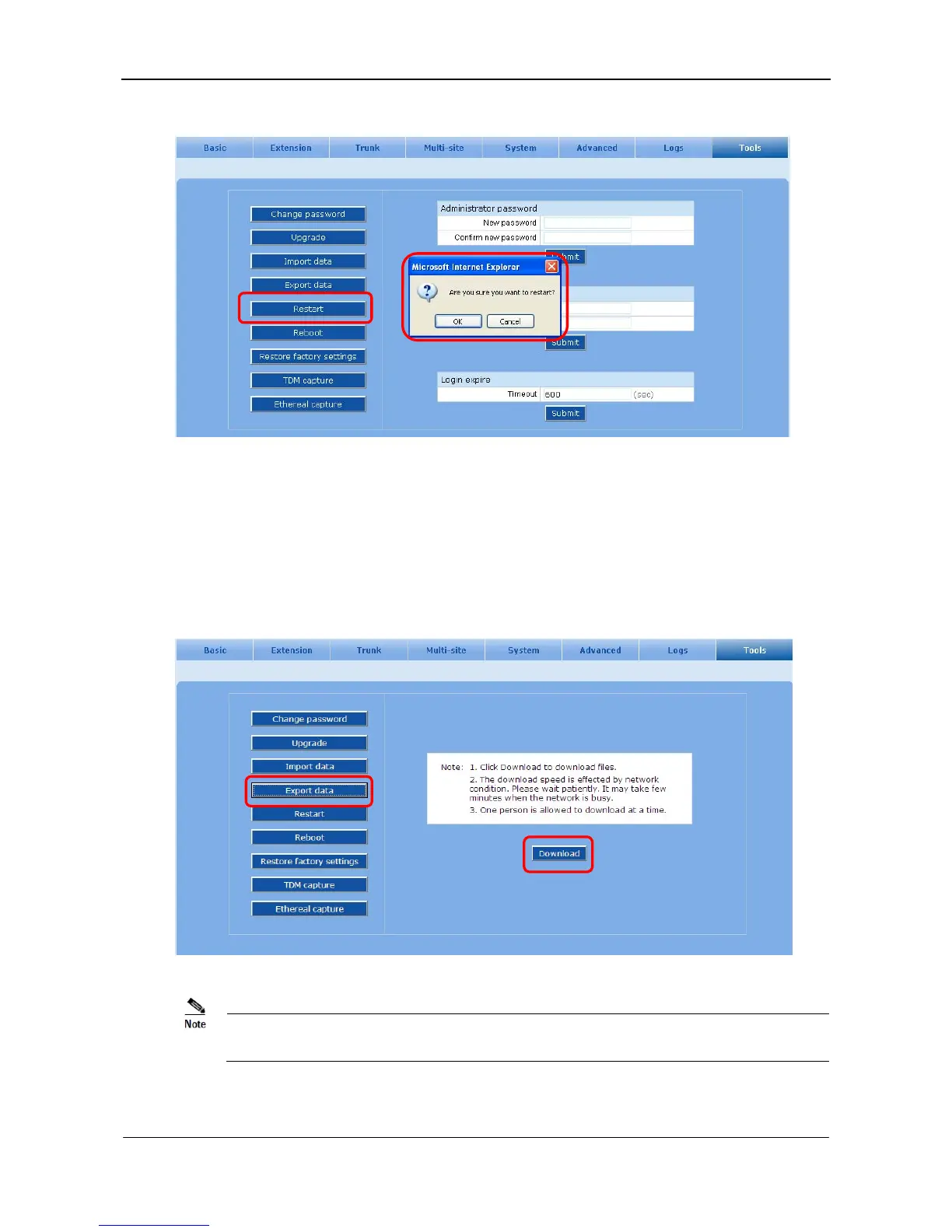
Figure 7-4 System restarting interface
7.3 Export Configuration Files
Step1 Go to the Tools > Export data page seen in Figure 7-5.
Step2 Click Download to download and save files to the destination you select.
Figure 7-5 Exporting configuration files interface
By default, downloaded file will be named after t1.tar.gz, then t2.tar.gz and so on. Recounting begins
after restart.



 To Next Page