OM Series IP Telephony System Administrator Manual
www.newrocktech.com 6-1
6 Device Settings
6.1 Time
The device obtains its time from a time server in the network, and in case the time service is not available,
the timer of the device can be set manually through the Web utility.
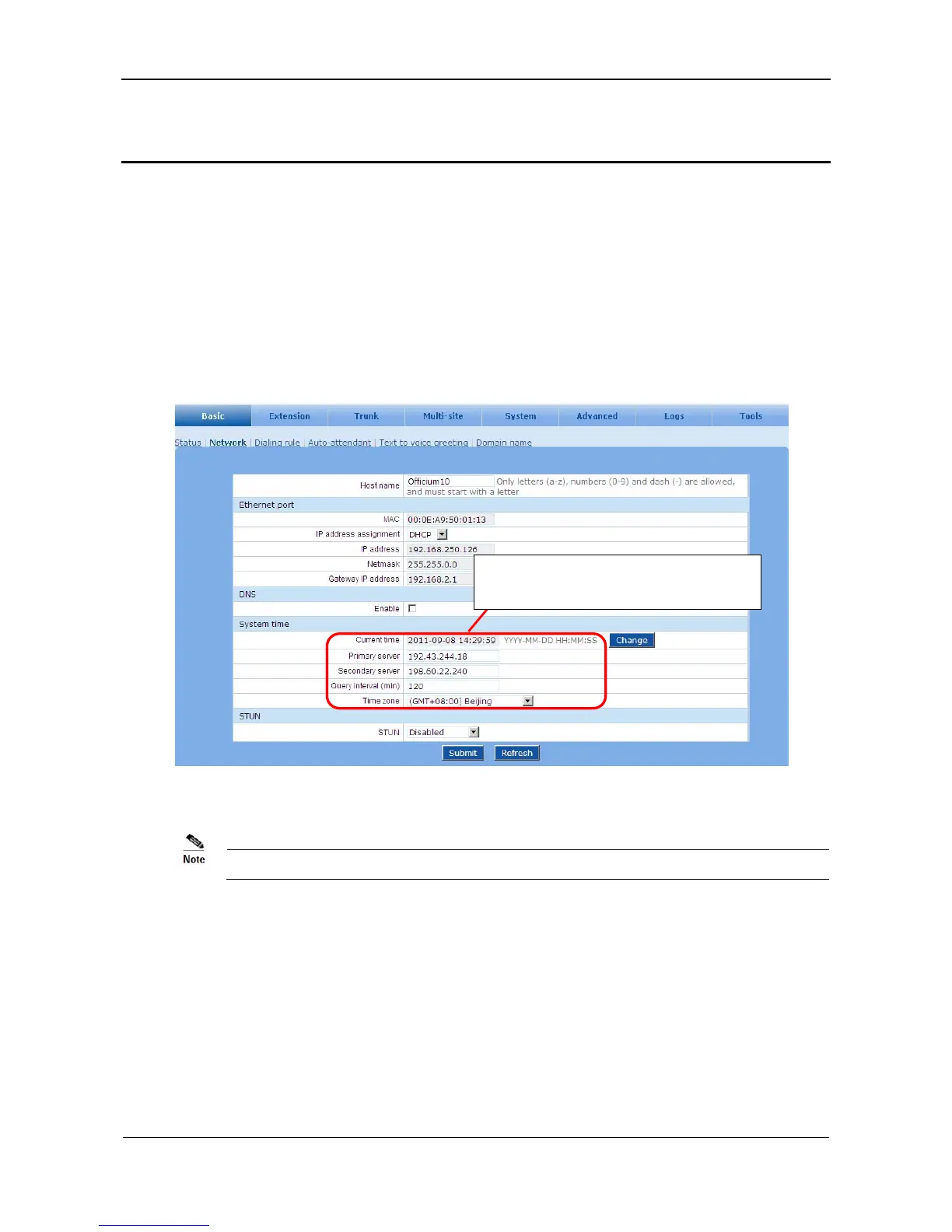
Go to the Basic > System time page.
Figure 6-1 System time interface
If the system fails to synchronize to the time server, click Change to manually set the time.
6.2 Changing the Administrator Password
It is strongly recommended to change your password after you login the Web utility the first time.
On the Tools interface, click Change password to modify administrator password.
Primary server & Secondary server fields
must be filled in.



 To Next Page