Page | 100
NAME
The Name field (next to Connection Type) is editable, allowing you to enter a custom name for
each input. The name supplied will appear elsewhere in the user interface, including in the HUD
(Heads-Up Display).
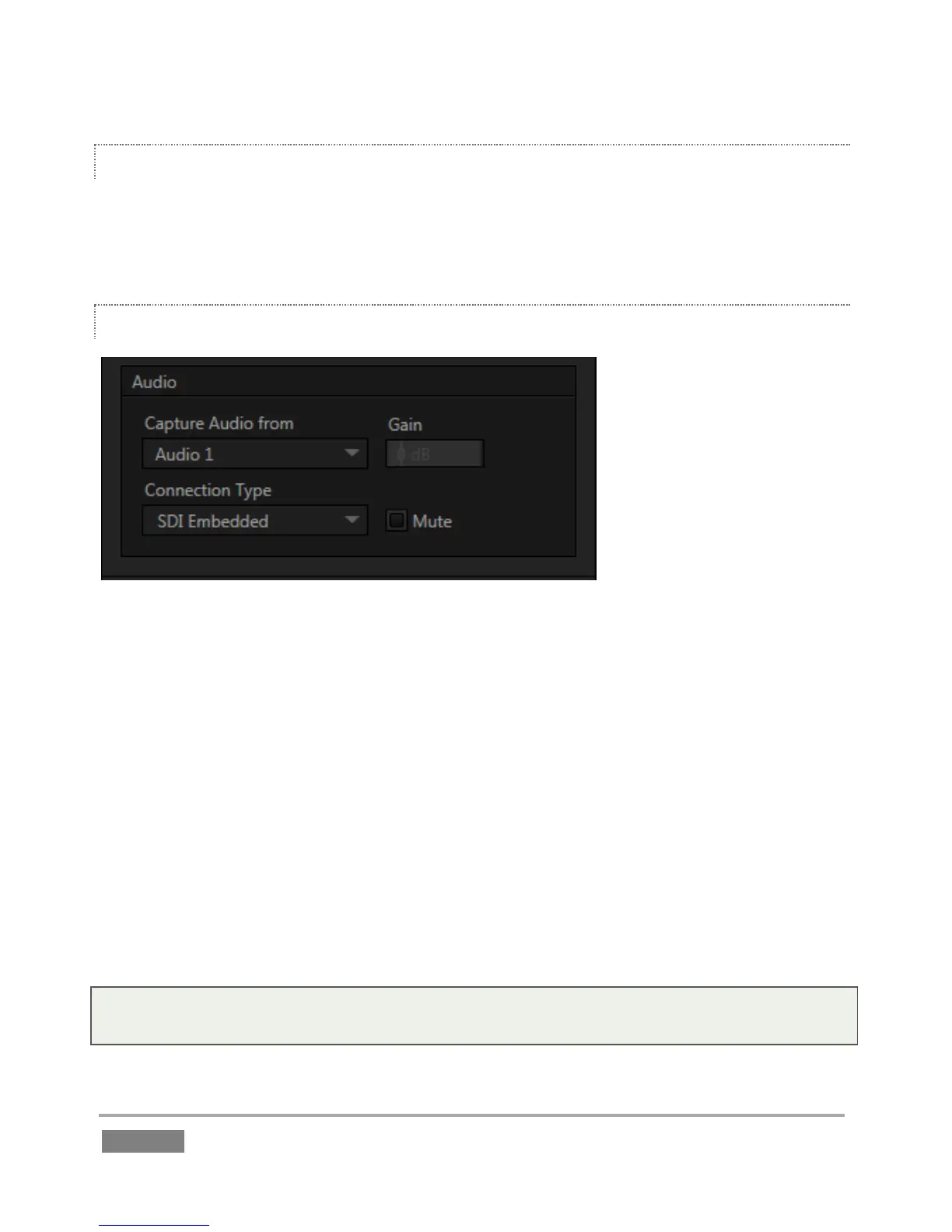
AUDIO SETTINGS
Figure 84
Section 3.10 detailed Input Configuration panel controls devoted to Audio setup.
Just to review briefly, the Input Type menu offers the following audio connection options:
Mic
Mic + Phantom
Line
SDI Embedded (shown only when the video connection is SDI).
The neighboring Gain slider adds a range of adjustment beyond the basic level established by the
Input Type selection, permitting you to benchmark individual sources. The Mute switch, when
enabled, prevents this particular audio source from being heard at all in captured files or on
output.
Note: The Input Type menu for Input 7 is ghosted when the input is in use for timecode (LTC) input
(see Section 7.3).








 To Next Page