Page | 79
6 THE REPLAY DESKTOP
The Replay Desktop serves as your production control center. It
provides control over input and output configuration, recording,
clip marking, PLAY LIST preparation and playback, and much more.
This chapter provides a top-level view of the Replay Desktop, with
more detailed information following in subsequent chapters.
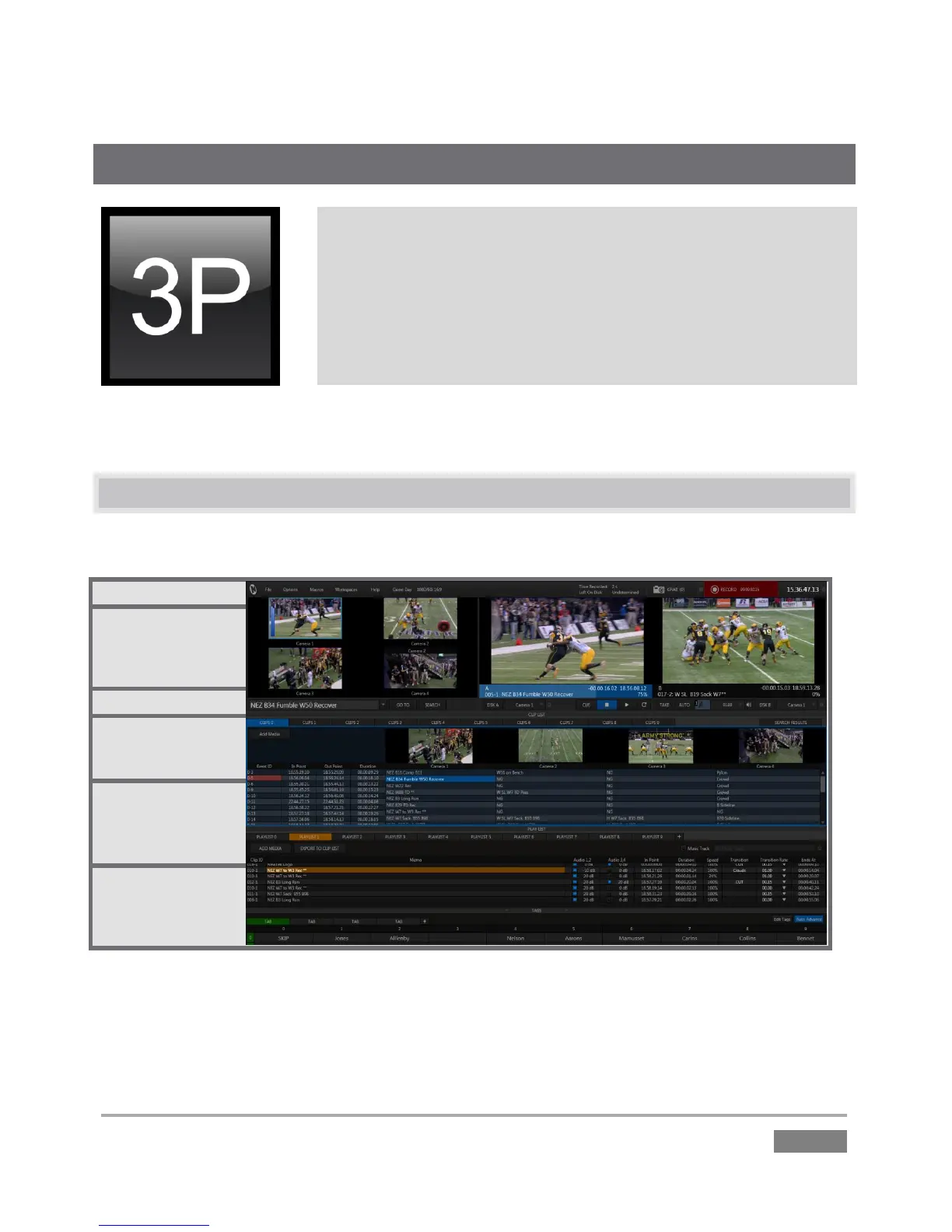
The Replay Desktop is launched by creating (or opening) a session in the Startup Screen, then
clicking the large Start Session button.
6.1 OVERVIEW
The Replay Desktop requires a minimum screen resolution of 1600 x 1050.
Figure 60
The Replay Desktop provides visual feedback for operations, including monitoring features, clip
marking, and so on. By default, it is divided into six horizontal bands (Figure 60).








 To Next Page