Page | 201
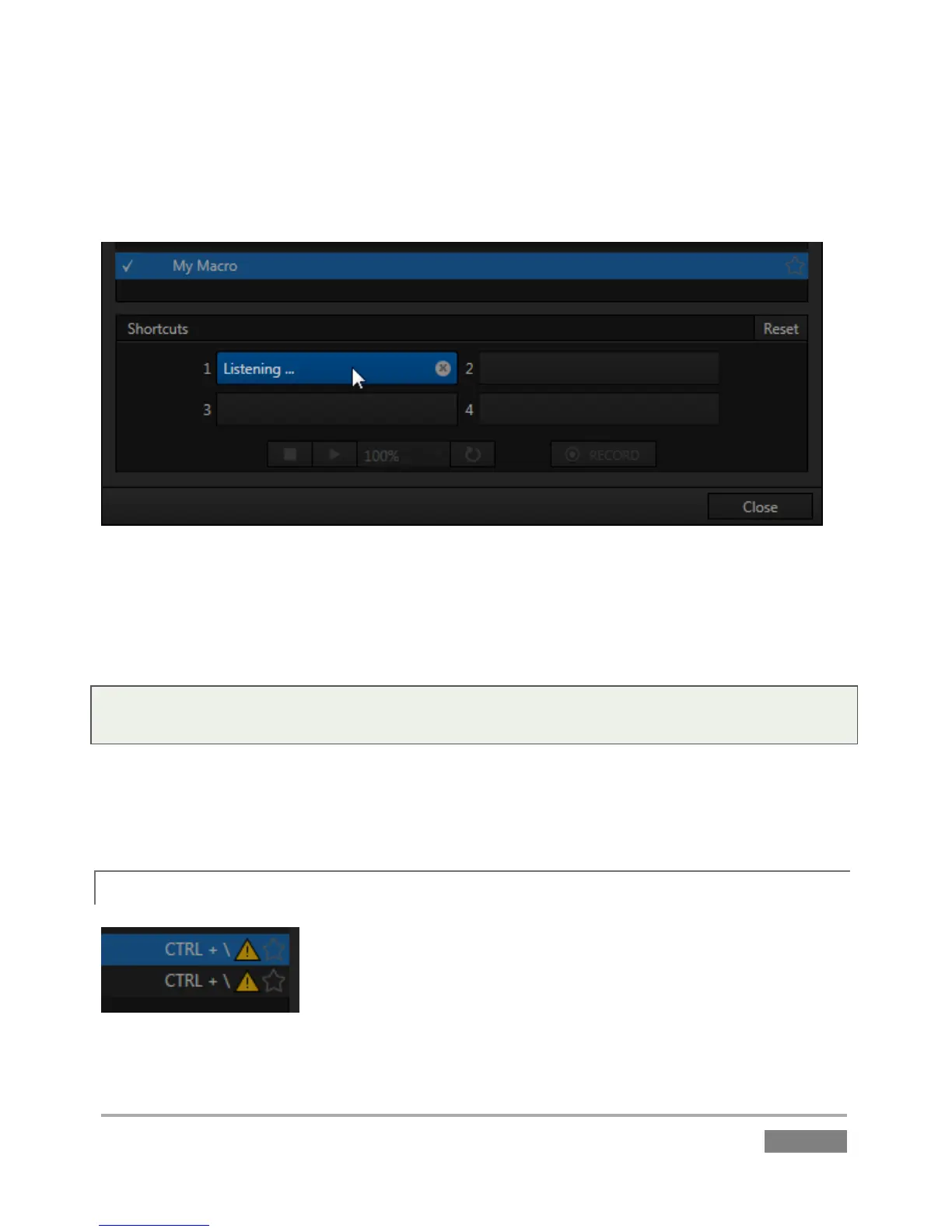
You can readily see the first shortcut assigned to a macro at right in its entry in the lister. (As
mentioned earlier, you’ll also see a ‘star’ gadget at right. Click this to add the macro to the
Favorites menu, shown when you click directly on the Macro control in the Dashboard. )
Figure 183
To set a new shortcut or modify an existing one, click one of the Shortcut fields in the footer of
the Macro Configuration Editor panel; it will display a “Listening …” tag. Then press the desired
keystroke (or control surface Macro button combination).
Hint: For clarity, lower-case characters are shown as capitals. True upper-case letters are
displayed in the form [Shift + (character)].
Shortcuts are ‘per user’, allowing you to employ your personal favorites without conflicting with
the shortcut preferences of other users. Speaking of conflicts, note that assigning a single
shortcut combination to multiple macros is supported.
17.4.1 CONFLICTED SHORTCUTS
Figure 184








 To Next Page