Page | 84
For example, a brief initialization is required following a system start (or restart) for video
playback to stabilize. During this warm-up period, an initialization countdown is displayed in the
Status Bar.
Note: Status messages disappear on their own after a little while, but you can manually dismiss
them by clicking the square icon shown to the left of the text message.
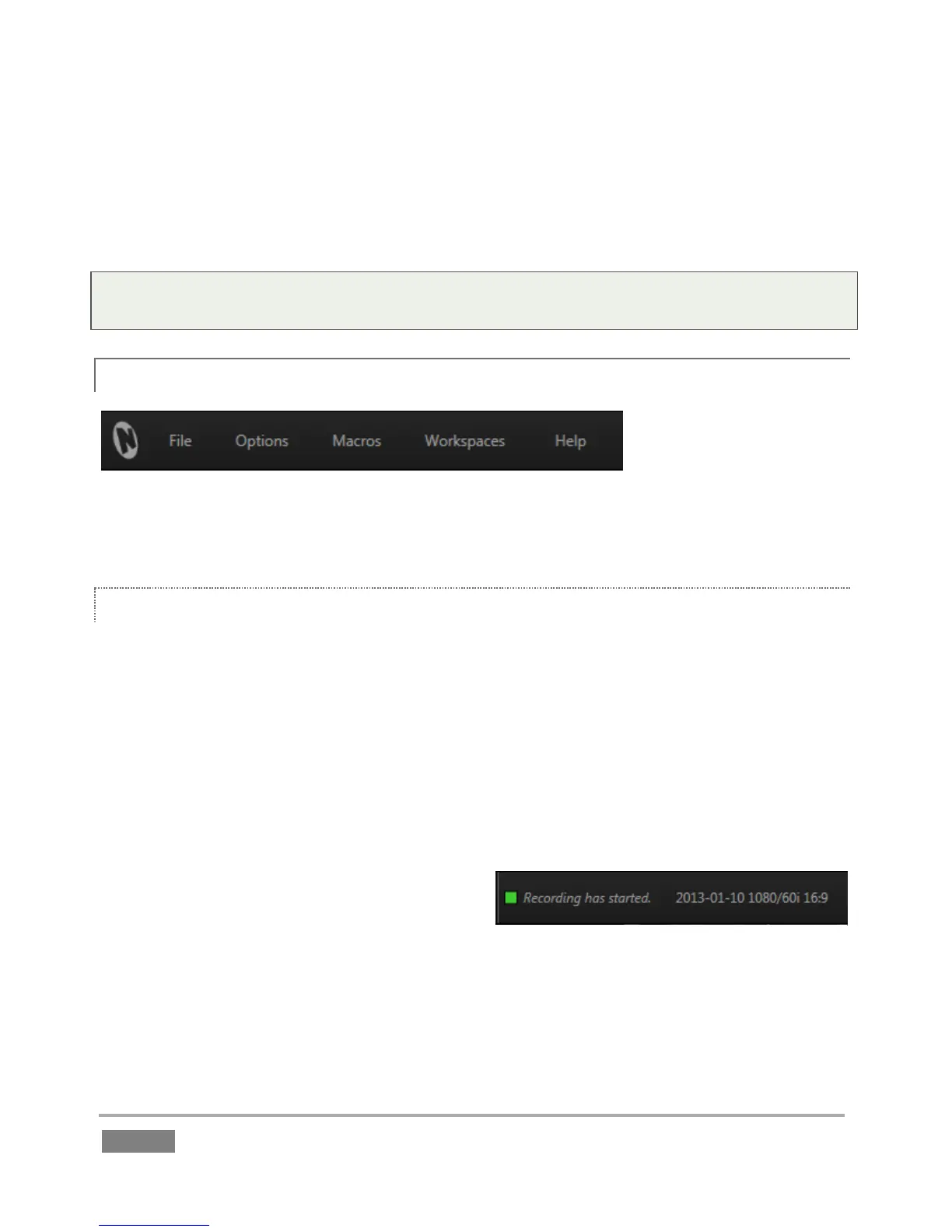
6.4.2 MENUS (FILE, OPTIONS, MACROS, WORKSPACES, AND HELP)
Figure 65
The Replay Desktop DASHBOARD has important menu options at left, discussed individually next.
FILE
Share Publish Queue – Open the Publish Queue panel to manage content you wish to
upload (share) or copy to other locations (see Chapter 15 for full details on 3Play’s
Publish features).
Set Publish Destinations – Pre-configure targets for media assets added to the Publish
Queue, whether automatically as a result of settings for the Grab feature, or manually
from the CLIP LIST or PLAY LIST (see Chapter 15 for full details on 3Play’s Publish
features).
Share Media Folders on Network – Each
session has unique Audio, Clips and
Stills folders for its media assets.
This is where the Import Media places
session content; these folders are easily located from the Add Media browser in the
Replay Desktop. You can enable or disable access to the media folders related to the
active session across the network using this menu item.








 To Next Page