Page | 83
between the CLIP LIST and PLAY LIST to re-size them to taste. (Feel free to revert to the standard
view if you prefer.)
6.4 DASHBOARD TOOLS
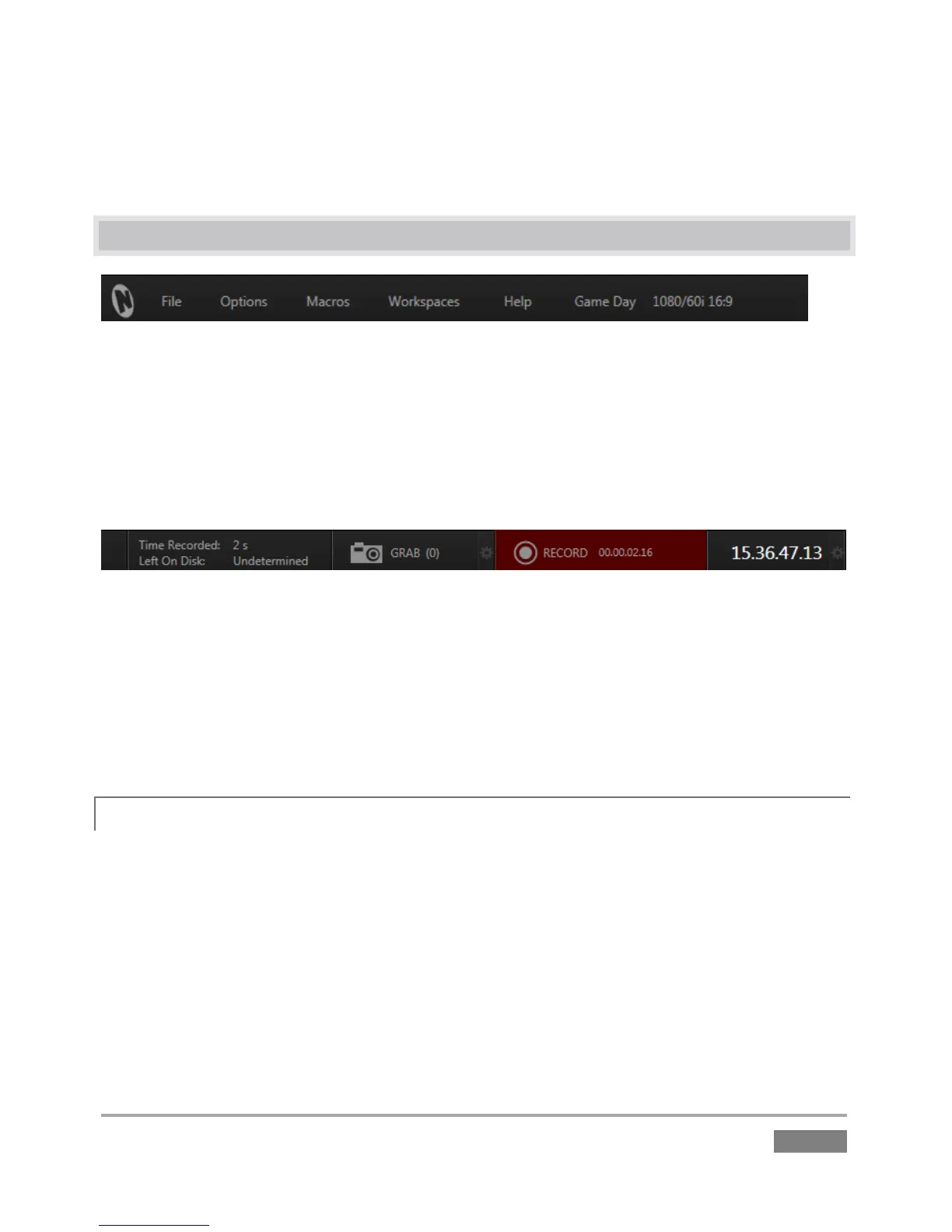
Figure 62
The Replay Desktop DASHBOARD (Figure 62) provides useful data. Info displayed includes:
File, Options, Macros, Workspaces and Help menus
Status messages (Section 6.4.1)
Session Name and format
Figure 63
Time Recorded and Left on Disk (estimate of room available at current recording rates
on the ‘most full’ session volume)
Grab tool and configuration controls
Record (toggle) and time elapsed since the current recording began
Time (from external timecode input or system clock)and Timecode Configuration
6.4.1 STATUS MESSAGES
An information display is conveniently located at left above the input monitors. From time to
time this bar displays information pertaining to operations or system status, including any
cautionary indications.








 To Next Page