Page | 180
15.1.1 OVERLAY OUTPUT A OR B
In addition to being able to overlay one angle onto another, you can also overlay the entire
alternate output on top of your display. For example:
Show the video from Output A – even including DSK A above it – on top Output B to
produce a ‘picture-in-picture-in-picture’ composition - then transition between them.
Use DSK position tools to create a ‘squeeze-back’ of the assigned source. You can cover
two independent events simultaneously in this manner; show live gameplay while
playing a highlight reel, or a commentator during an instant replay, and much more.
Note: When working with a Program-Preview transition workflow (See Chapter 14), the DSK
channels swap each time a Take or Auto is performed.
15.1.2 OVERLAY GRAPHICS AND LOGOS
Not only can you overlay highlights, clips and live cameras, but you can also use overlays to
display graphics, with full key and fill support. For many creative and potentially rewarding
applications, a single operator can run the replay system and also display timely graphics and
overlays. When combined with single click stinger capabilities, the ability to perform colorful
custom transitions to and from live video and to flexibly overlay other graphic and video inserts
at the same time, your 3Play can serve as a complete house production system.
15.1.3 OFFICIATING AND OVERLAYS
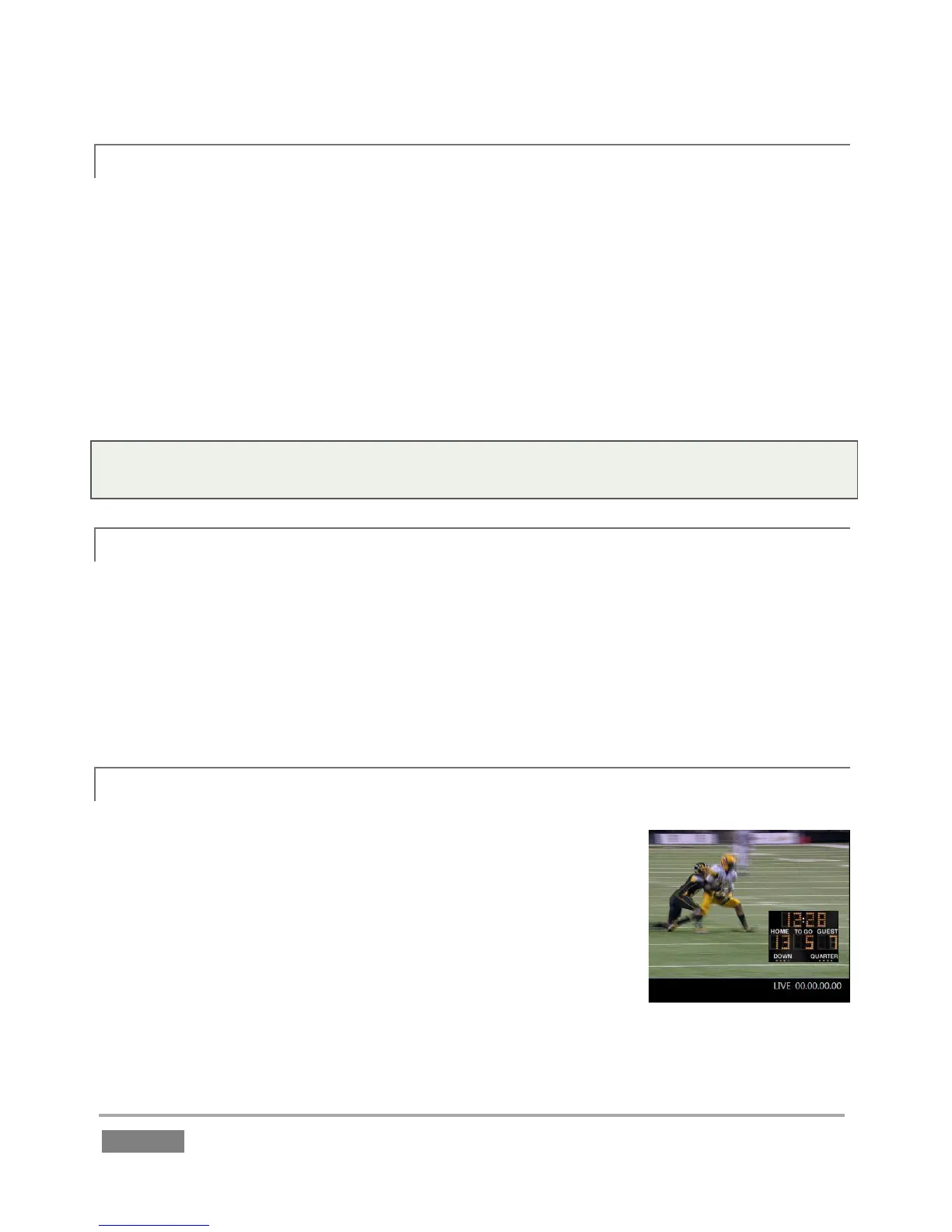
Replays are also obviously important for referee and coaching use.
Instant replay for officiating purposes is increasingly a mandatory
requirement of numerous leagues.
A dedicated camera capturing the clock in sync with other camera
angles can easily be overlaid over outputs for absolutely guaranteed
synchronization with the actual game time. Too, the ability for
coaches or referees to view two angles of a play at the same time is
truly invaluable.








 To Next Page